BPN-TRACK
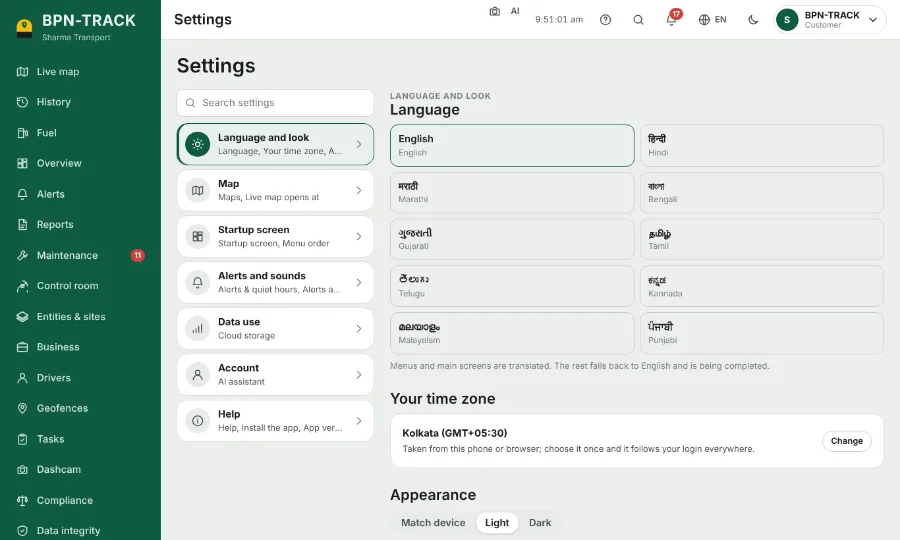
सेटिंग: भाषा, रूप, time zone और पहली screen
App को अपने हिसाब से बनाएँ। आपकी पसंद आपके login के साथ हर device पर रहती है।
कैसे करें
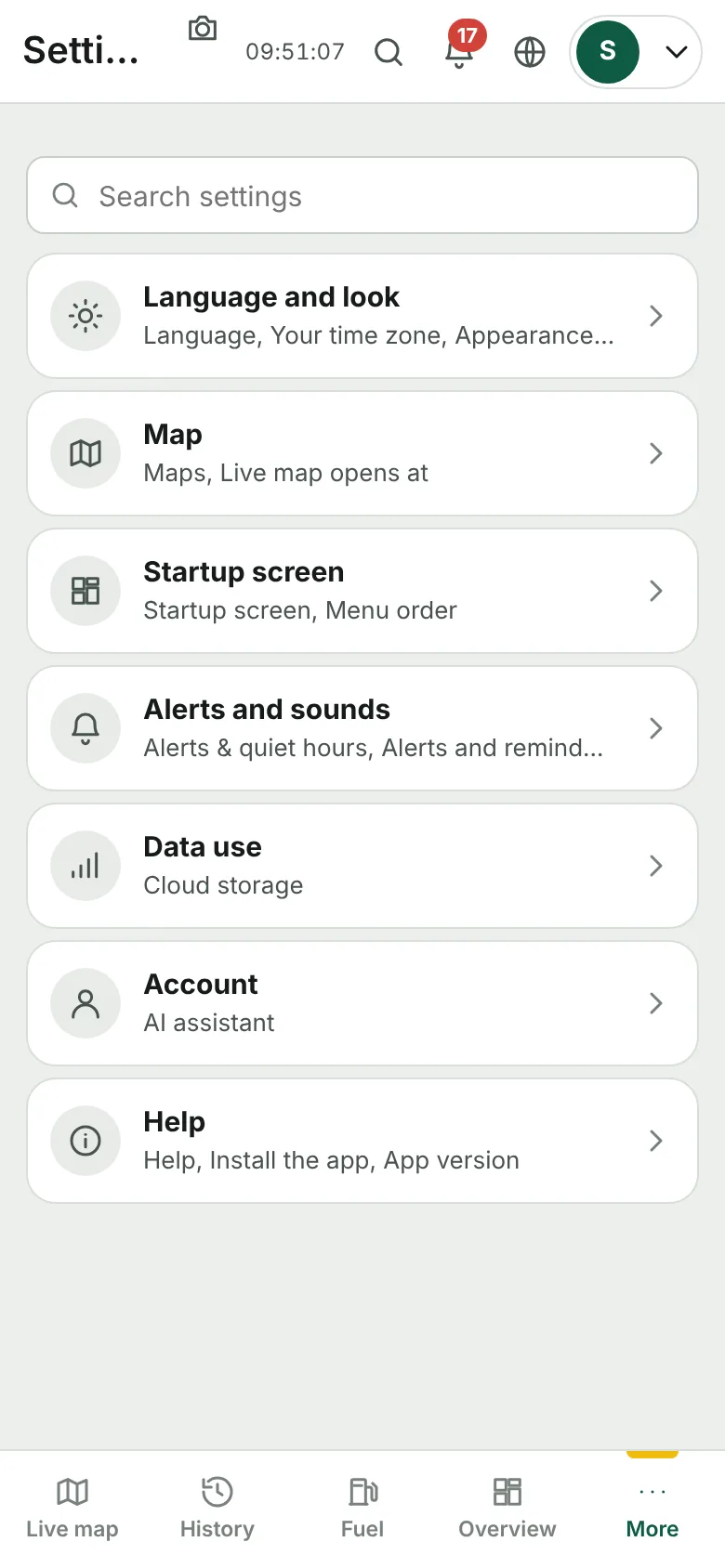
- सेटिंग खोलें। Groups cards के रूप में हैं; खोज box नाम से setting ढूँढता है।
- Language and look: भाषा, light या dark theme, आपका time zone और fuel के रंग।
- Startup screen: app किस screen पर खुले, और लाइव नक्शा कैसे खुले।
- Account: आपके login से sign in हुए phones और computers। Password ऊपर दाईं ओर के account menu से बदला जाता है।
- सेटिंग के सबसे नीचे: app का build, Check for an update, और यह Help & guide।