BPN-TRACK
Settings: language, look, time zone and startup screen
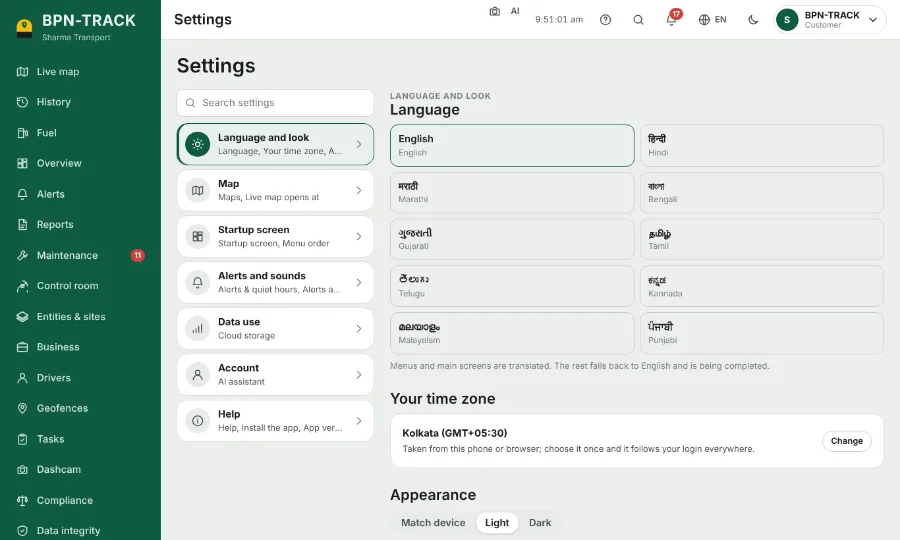
Make the app yours. Your choices follow your login to every device.
How to
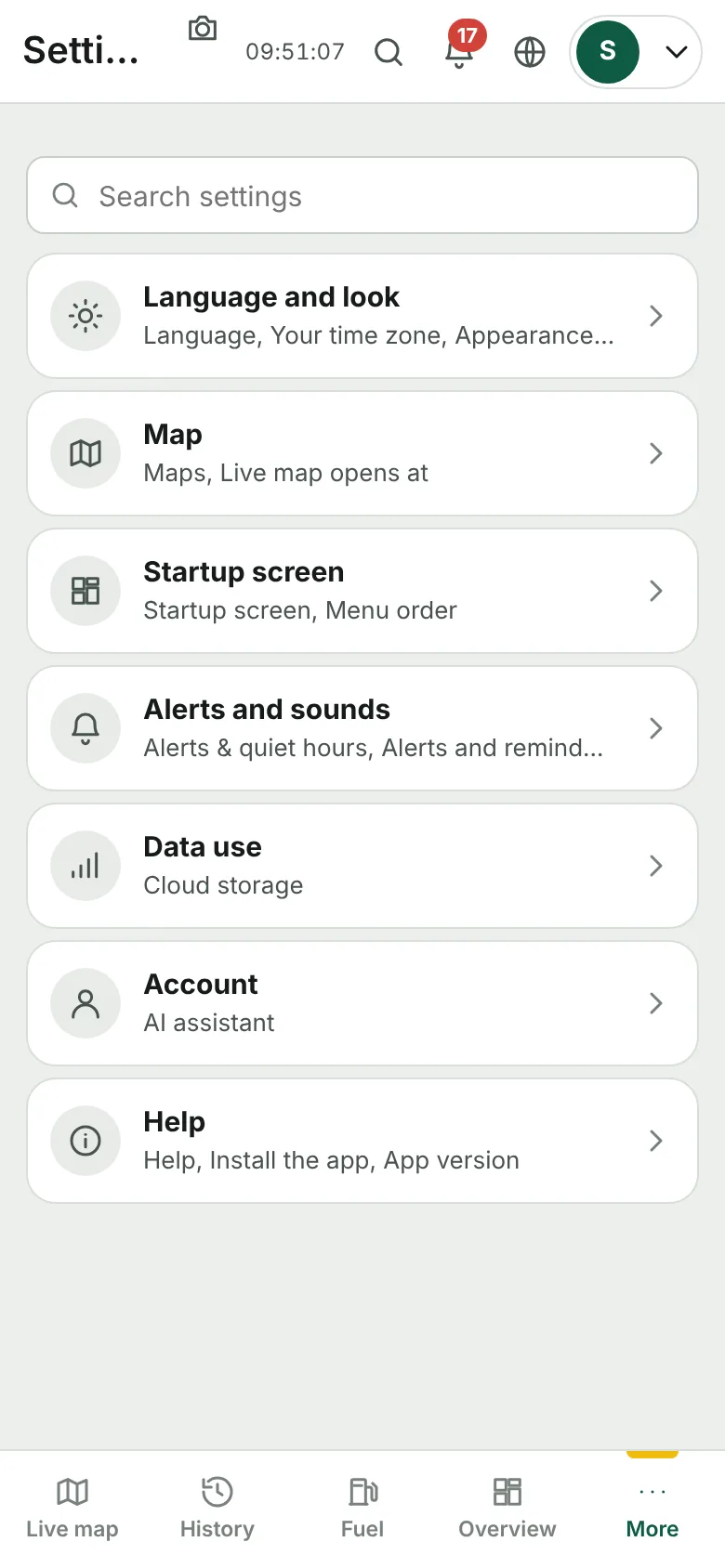
- Open Settings. The groups are listed as cards; the search box finds a setting by name.
- Language and look: the language, light or dark theme, your time zone and the fuel colours.
- Startup screen: the screen the app opens on, and how the Live map opens.
- Account: the phones and computers signed in with your login. Your password is changed from the account menu at the top right.
- At the bottom of Settings: the app's build, Check for an update, and this Help & guide.