BPN-TRACK
Device की जाँच करें और उसका live data पढ़ें
आसान शब्दों में health check, device का भेजा हर message, और खोज के साथ पूरी raw position।
कैसे करें
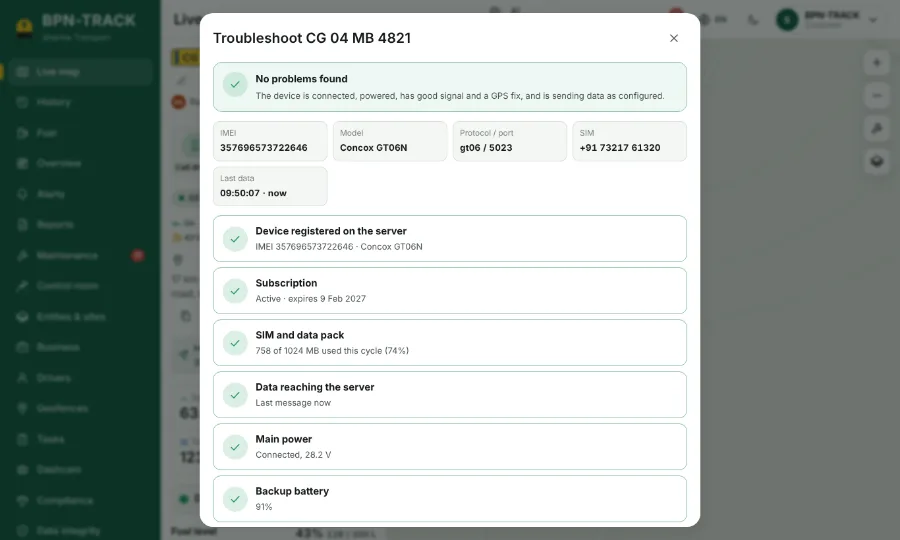
- गाड़ी खोलें और wrench वाला button, Troubleshoot, दबाएँ।
- Health check बताता है कि device online है या नहीं, GPS और network है या नहीं, और power मिल रही है या नहीं।
- Live data में messages आते ही दिखते हैं। हर row में Raw position button है जो उस पल की हर reading खोलता है।
- Raw position के खोज box में लिखें (जैसे "fuel" या "battery") ताकि बहुत सारी readings में से एक मिल जाए।
- Copy report से एक text मिलता है जो आप अपने dealer को भेज सकते हैं।