 BPN-TRACK
Rate BPN-TRACK
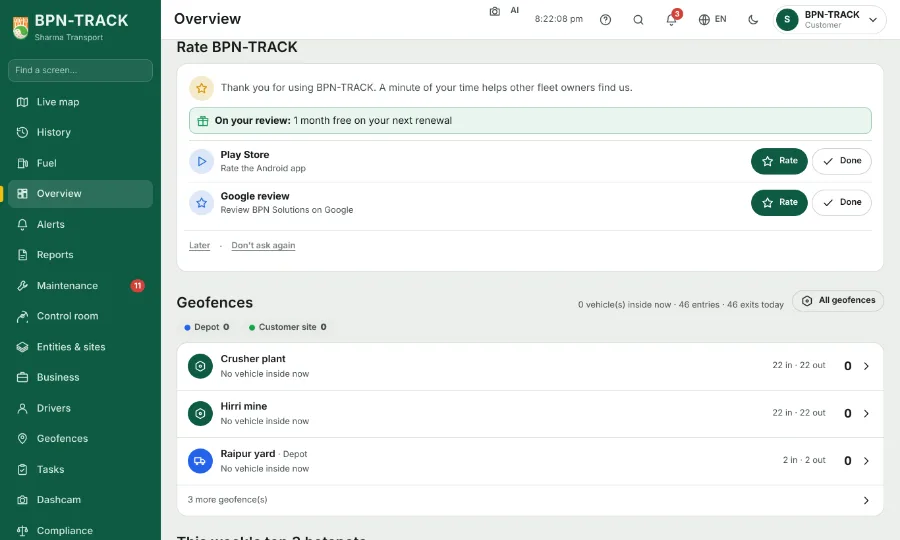
A small card asks for your rating on the Play Store and your review of BPN Solutions on Google -- with BPN's offer for a review when there is one.
How to
- The Rate BPN-TRACK card sits on the Overview: one row for the Android app on the Play Store and one for BPN Solutions on Google (the App Store joins when the iPhone app is out).
- Tap Rate on a row to open that page and leave your stars; tap Done once you have, and the row goes.
- When BPN has an offer for a review, the card says so in a green line, for example a month free on your next renewal.
- Later brings the card back in two weeks; Don't ask again stops it. The same rows are under Settings, Account, Rate BPN-TRACK.