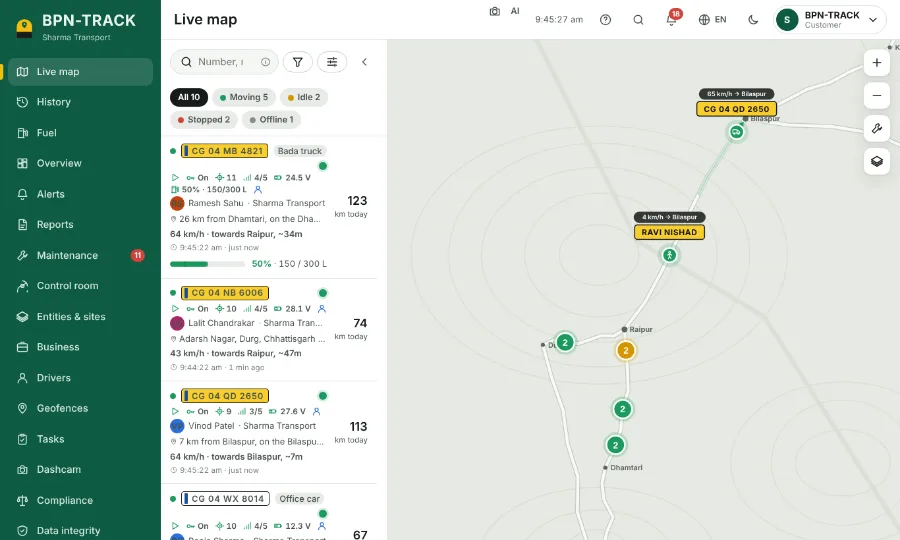
BPN-TRACK
What's new
The newest features, month by month.
November 2026 update
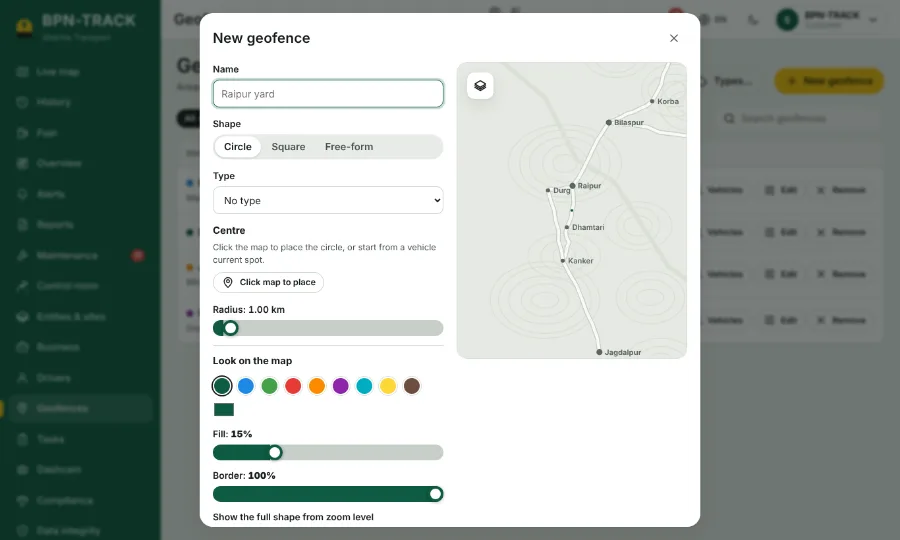
Geofences on the map, with types and their own alerts
See your areas on the Live map in your colours, sort them into depots, sites and more, and choose who raises alerts for each one.
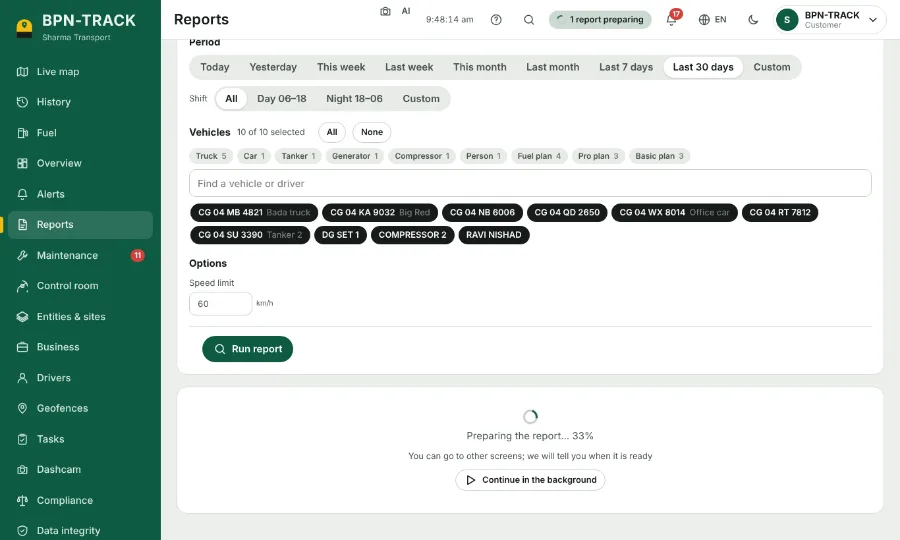
Long reports run in the background
Keep working while a big report prepares; a message, and a phone notification, tell you when it is ready.
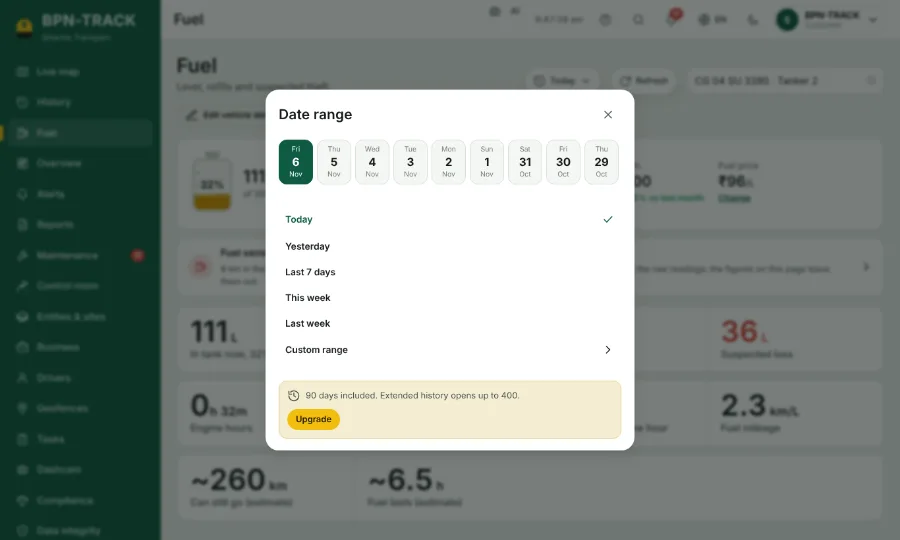
Fuel: a Refresh button and an easier date picker
Bring in the latest readings with one tap, and pick any day from the strip of recent days.
The raw position of every live data row, with a search
Open any message the device sent and find a reading among hundreds by typing.
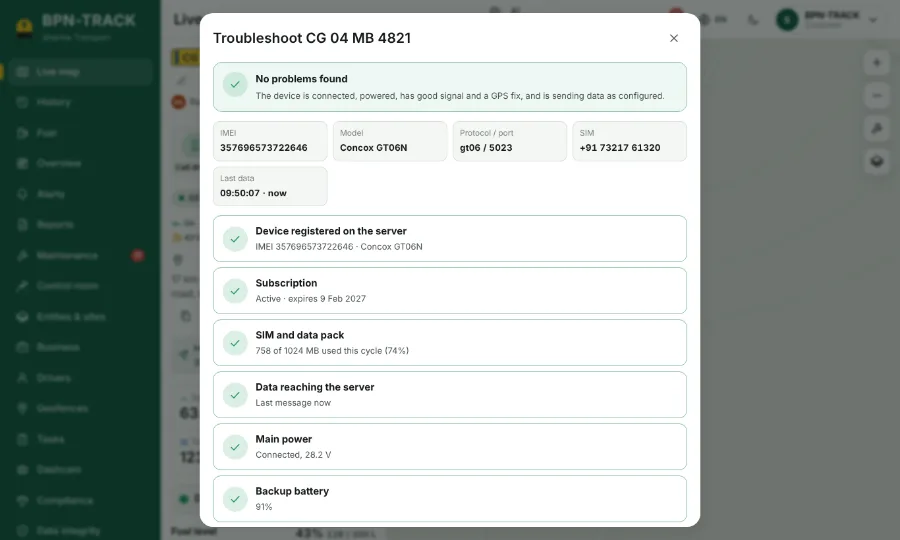
Alert switches for each vehicle
Only the alerts you switch on reach the Alerts page and your phone; the rest wait quietly on History.
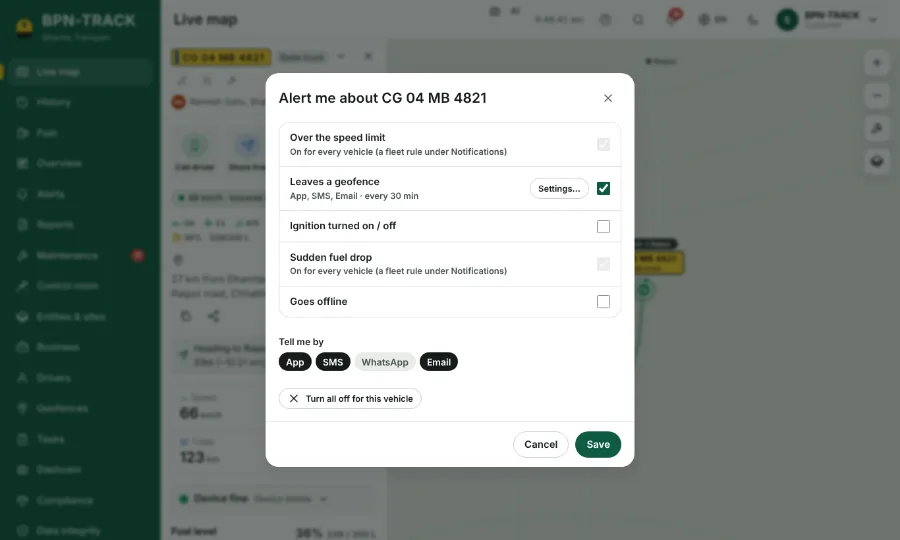
History: Show on map
Draw stops, overspeed, geofence visits, fuel events and alarms right on the replay.
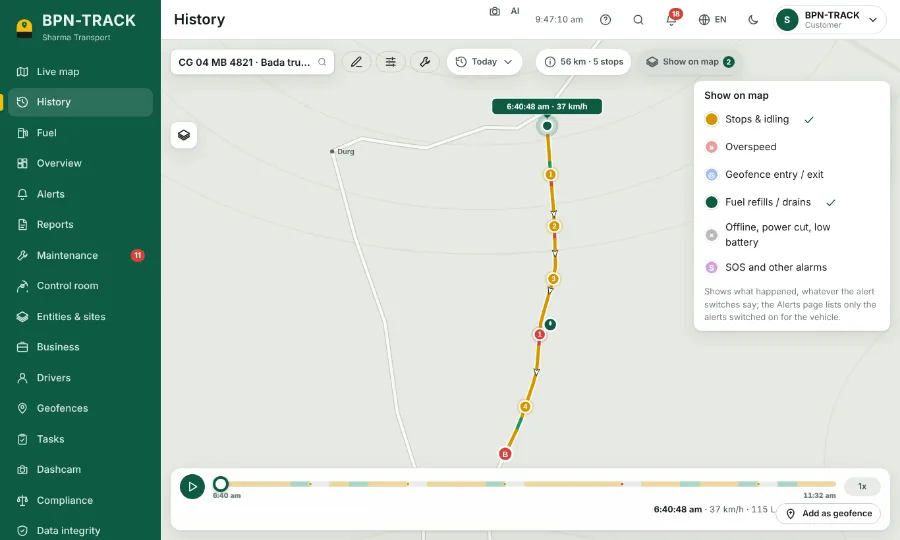
All the readings on the vehicle panel
One switch in Settings adds the device's full parameters table to every vehicle you open.
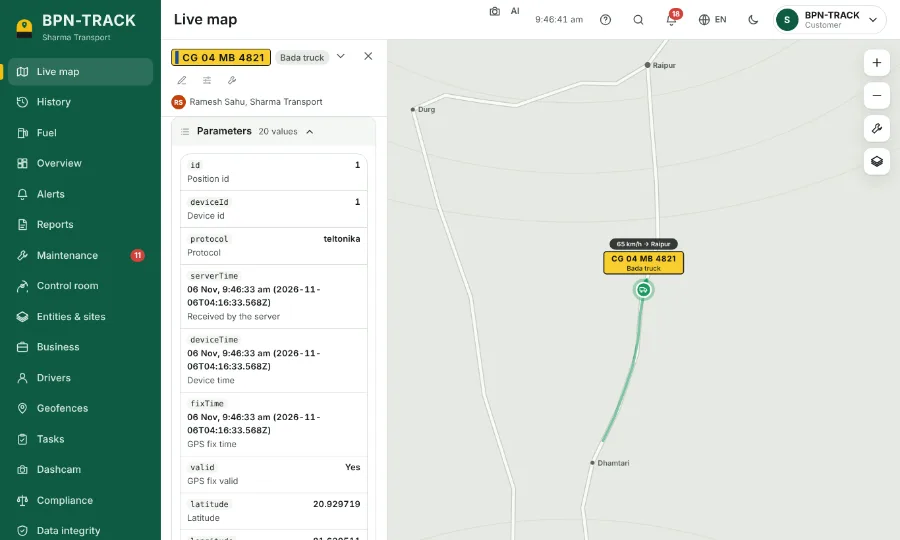
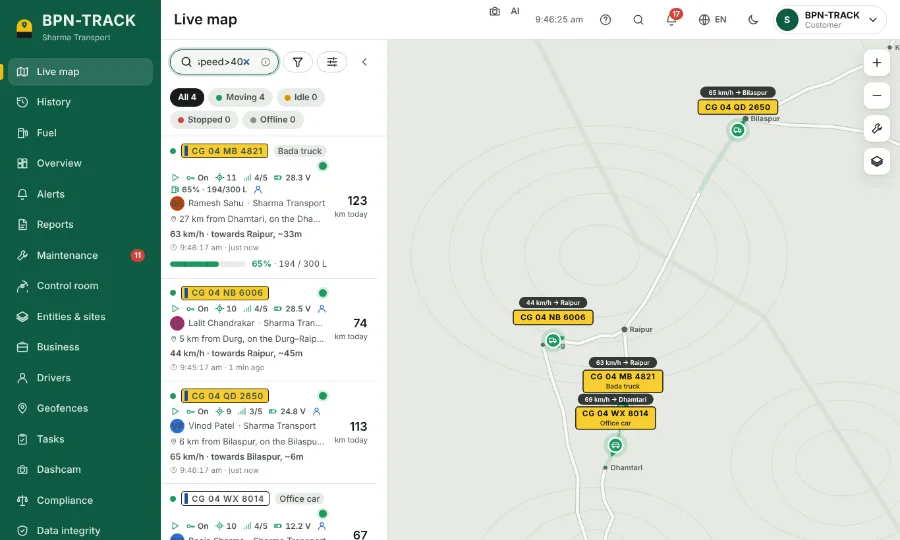
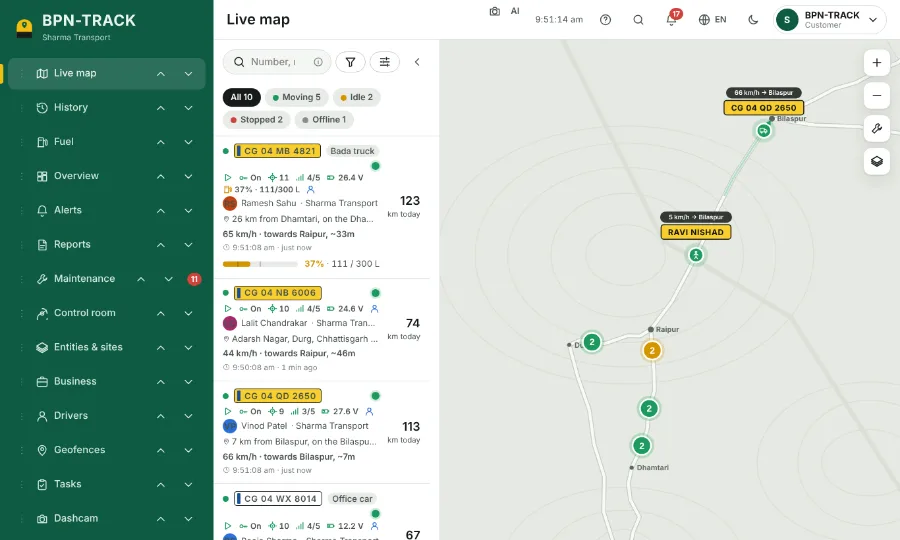
Search commands on the Live map
Type fuel>50, stopped>2h or speed>40 and the list shows exactly those vehicles.
October 2026 update
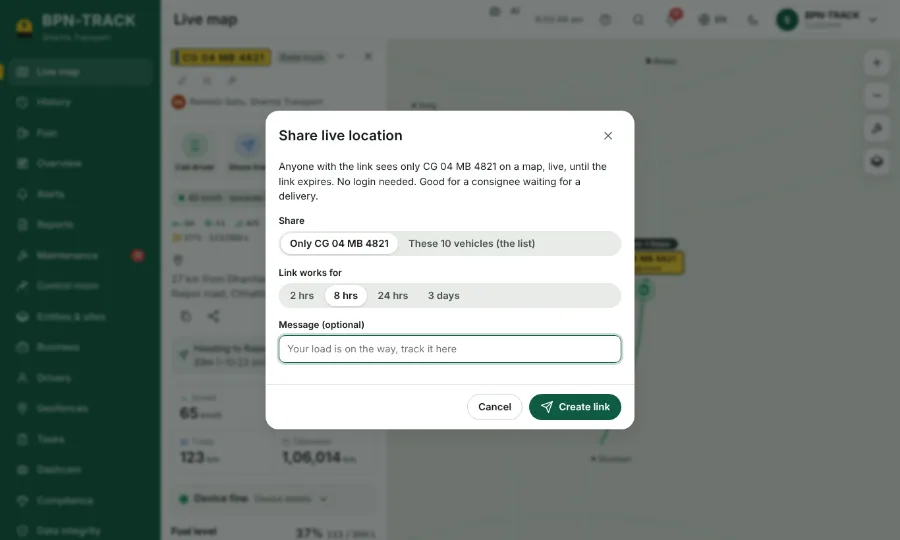
Live location links on the app's own map
The person you share with sees the vehicle move smoothly, its speed and how long it has been in its state.
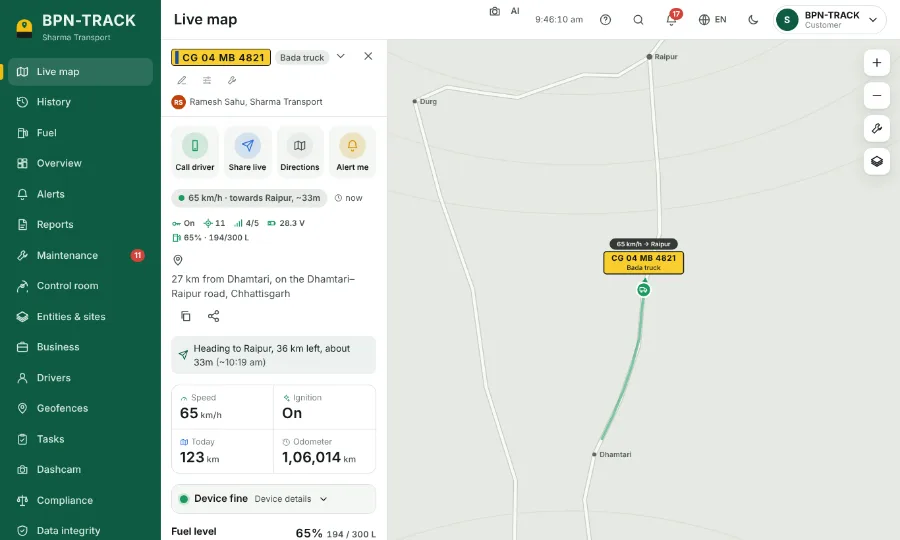
The full address: village, town and street
Every vehicle shows the village, the nearest big town and the street, with copy and share beside it.
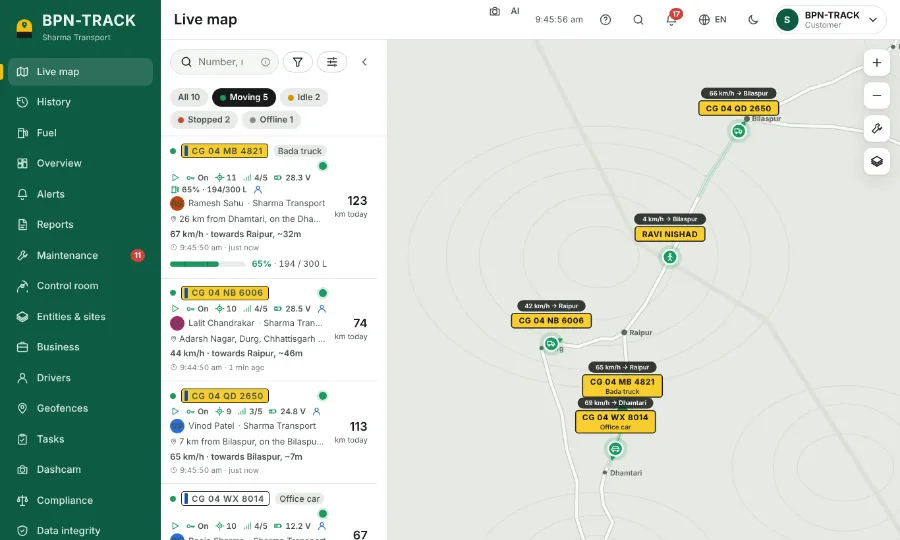
Sort & filter with saved views
Order the vehicle list your way, filter by any rule and keep the view for next time.
Arrange your menu
Put the screens you use most at the top, on every device you sign in to.
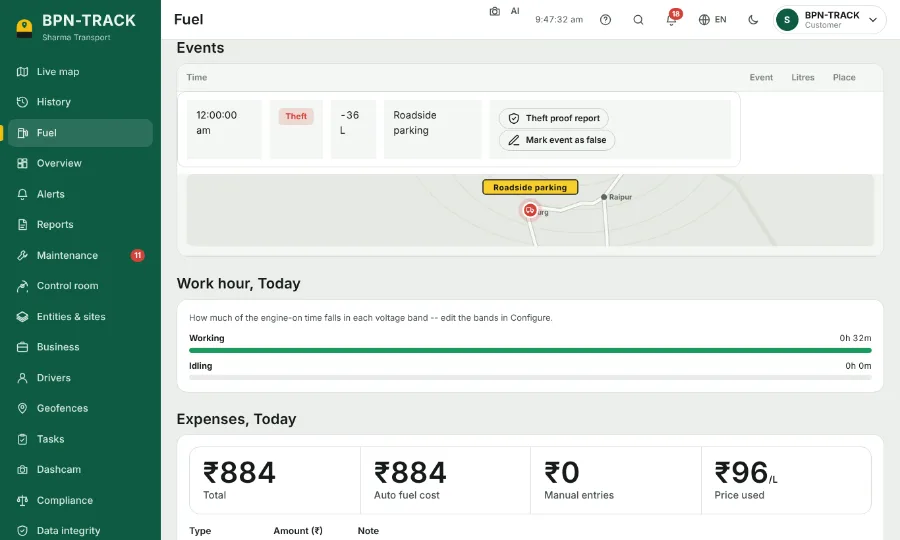
Street photos of a fuel-loss spot
A suspected loss now shows the place from the road, so you know where it happened before you call the driver.
Opens in a blink
The app shows your last view the moment it opens and brings in the new positions right after.