BPN-TRACK
Edit a vehicle's details
Nickname, type and icon, colour tag, driver and a photo.
How to
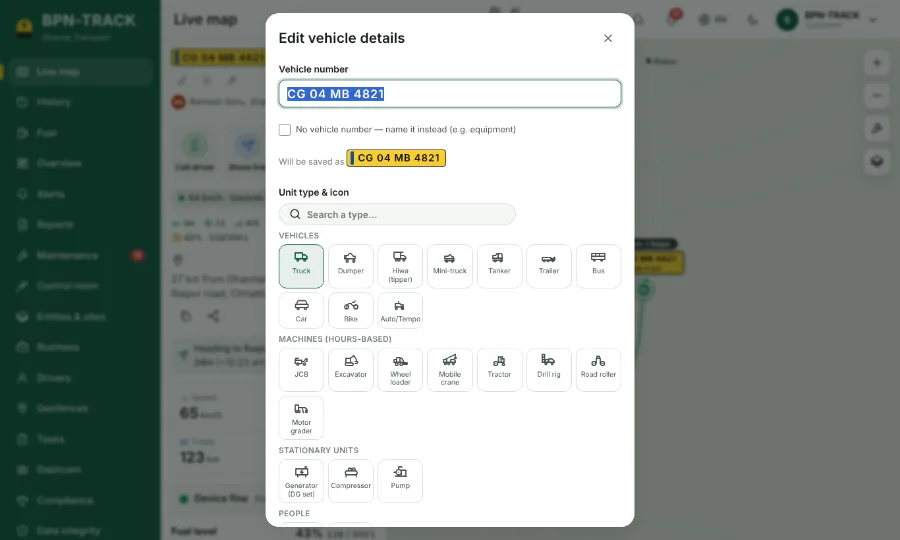
- Open the vehicle (Live map, Fuel or History) and tap the pencil, Edit vehicle details.
- Give it a nickname you know it by, for example Bada truck. It shows next to the number everywhere.
- Pick the vehicle type and its icon, and a colour tag.
- Choose the driver and his phone, and add a photo of the vehicle if you like.
- Save. The change shows on every screen at once. The vehicle number itself is changed by your dealer.