BPN-TRACK
Give a vehicle its driver
Name the driver of each vehicle so his name and phone show everywhere.
How to
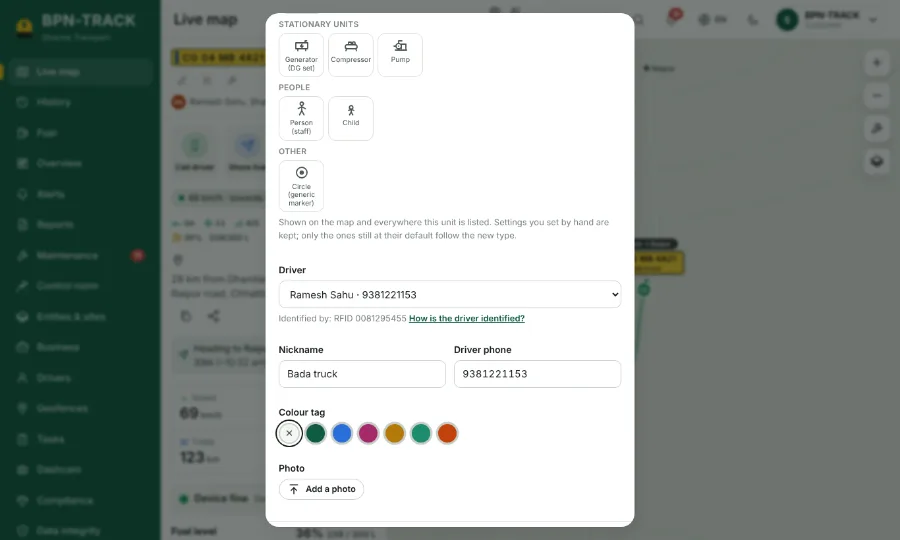
- Open the vehicle and tap the pencil (Edit vehicle details).
- Under Driver, pick one of your drivers, or New driver to add a name, a licence and a card number.
- The driver's phone fills in by itself; change it if needed.
- Save. The list, the vehicle panel and the reports now show this driver, and Call driver rings him.
- "How is the driver identified?" explains card, iButton or app sign-in, when your vehicles have them.