BPN-TRACK
Configure: the device's settings
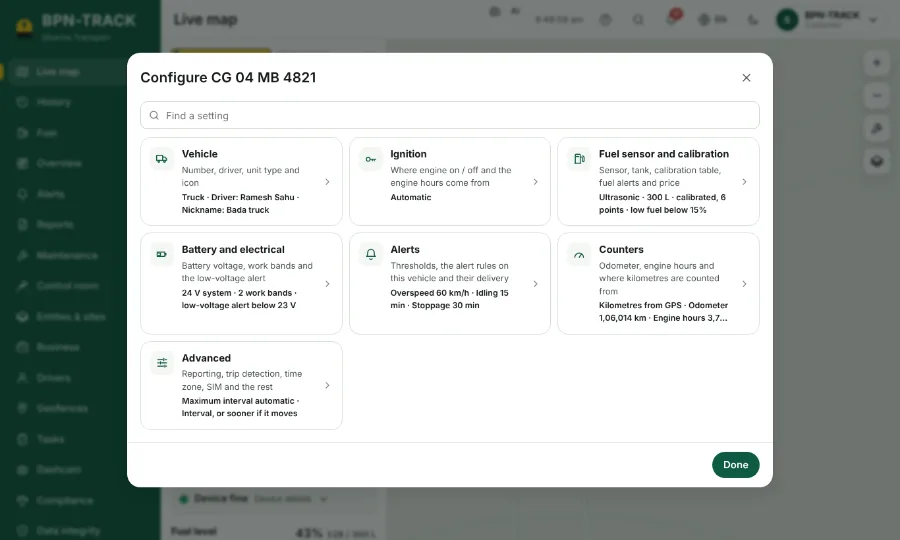
Fuel sensor, alerts, ignition and more, grouped, with a search.
How to
- Open the vehicle and tap the sliders button, Configure.
- The groups are listed on the left; type in the search box to jump to a setting.
- Fuel sensor: the tank, the sensor type and the calibration table.
- Alerts: the switches for this vehicle's alarms.
- Save. What you may change depends on your login; your dealer can help with the rest.