BPN-TRACK
Arrange your menu
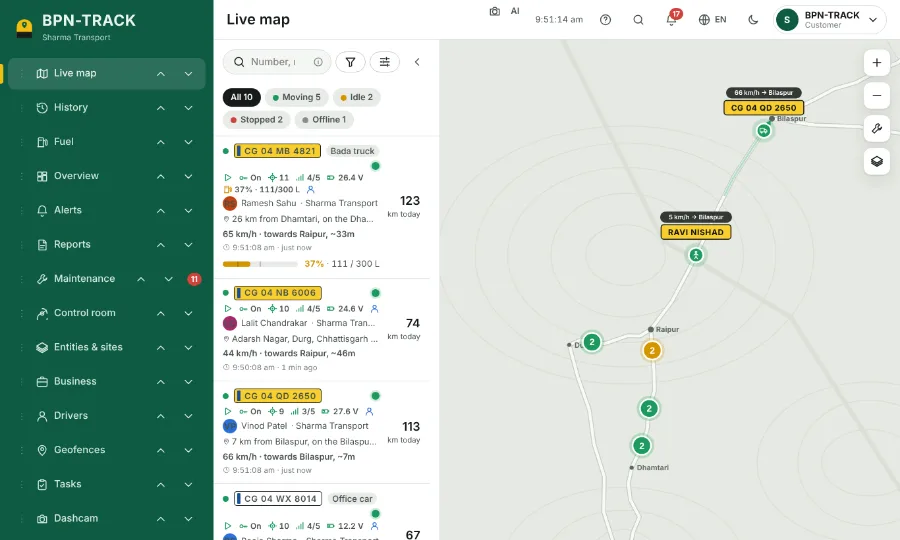
Put the screens you use most at the top; on a phone the first four sit in the bottom bar.
How to
- On a computer, tap Arrange menu at the foot of the side menu. On a phone, open More, then Arrange menu.
- Drag a screen by its handle, or use the up and down arrows.
- Tap Done. Settings always stays last.
- Reset to default brings the usual order back.