BPN-TRACK
Your first five minutes
Where everything is: the menu, the top bar and the screens you will use every day.
How to
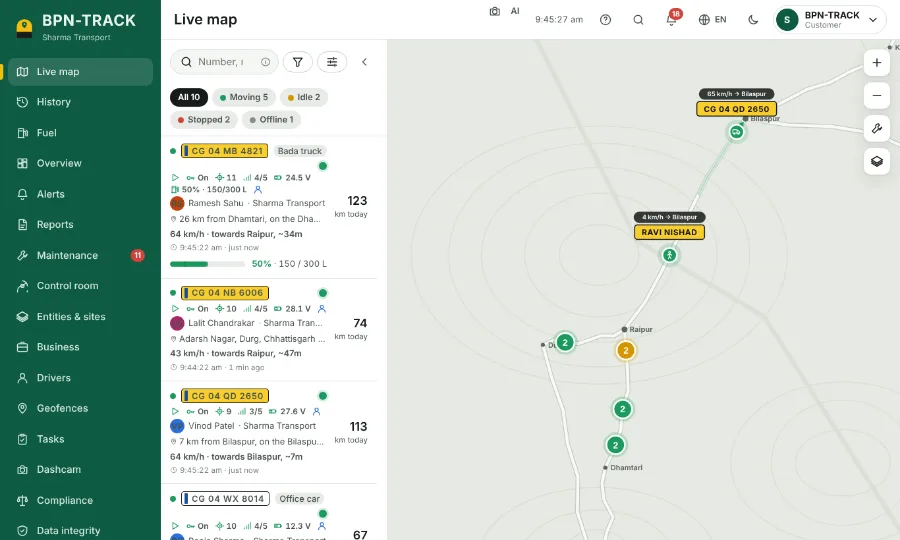
- Sign in with the user name and password you were given. The app opens on the Live map with all your vehicles.
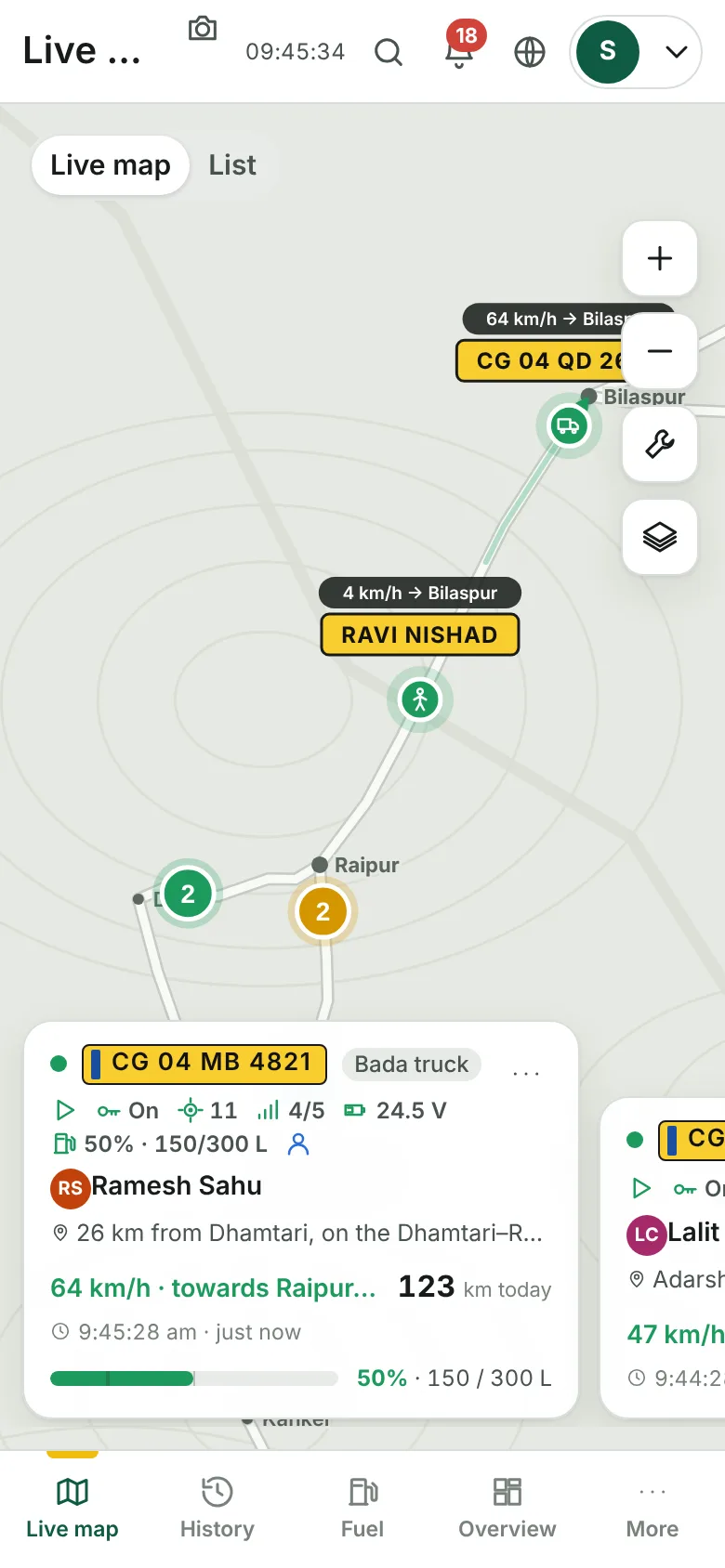
- On a computer the menu is on the left. On a phone the four main screens are at the bottom; the rest are under More.
- The top bar has the search, the bell with new alerts, the language button and your account menu.
- Tap the ? in the top bar on any screen (on a phone: More, then Help for this screen): this guide opens on that screen's topic.
- Pick the language you read best from the globe button. Every screen follows it.
- To start with a short walk through the screens, open Settings, then Help, then Guided tour.