BPN-TRACK
Logins for your staff
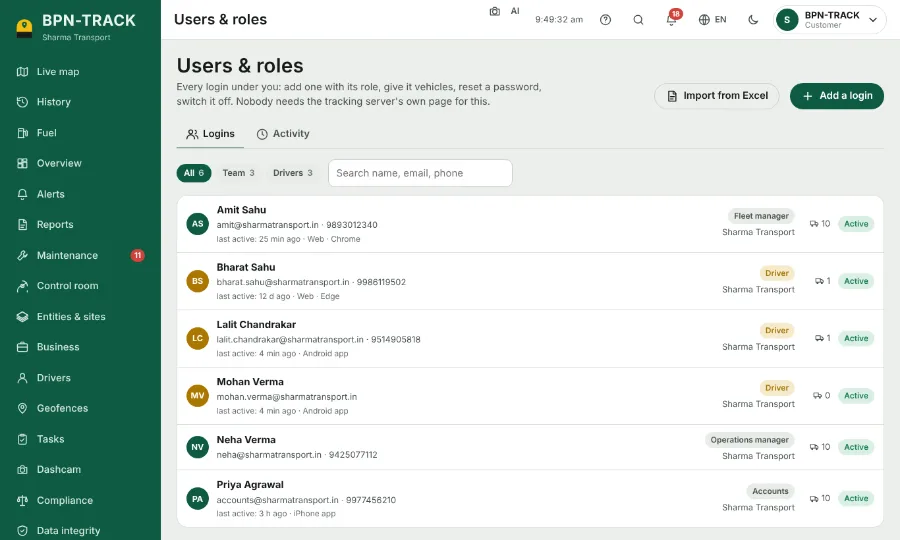
Give a manager, an accountant or a driver their own login with only the screens they need.
How to
- Open Users & roles and tap the button to add a login.
- Type the name, the mobile or email, and pick the role (for example fleet manager or accounts).
- Choose the vehicles this person may see.
- Save. The sign-in details can be sent by WhatsApp, SMS or email from the sheet that opens.
- The Activity tab shows who used the app, when, and from a computer, Android or iPhone.