BPN-TRACK
The Alerts page and the bell
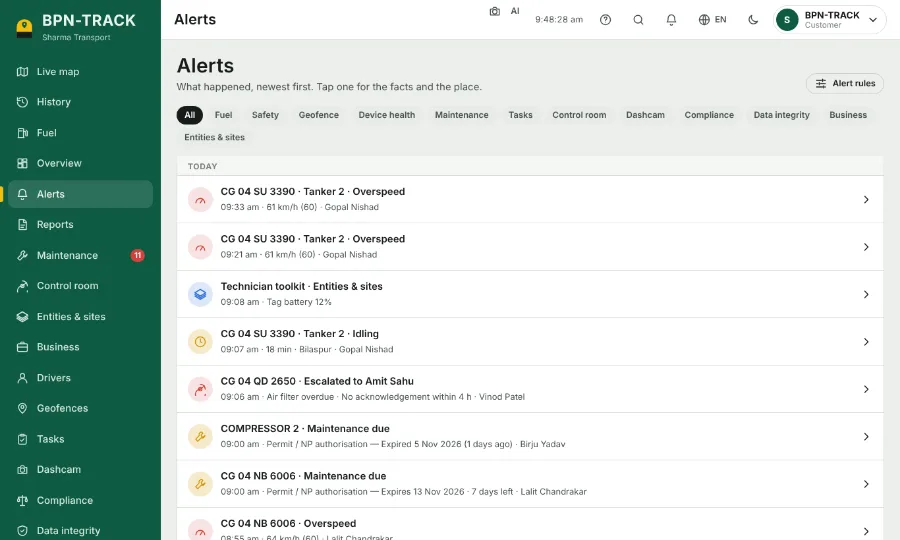
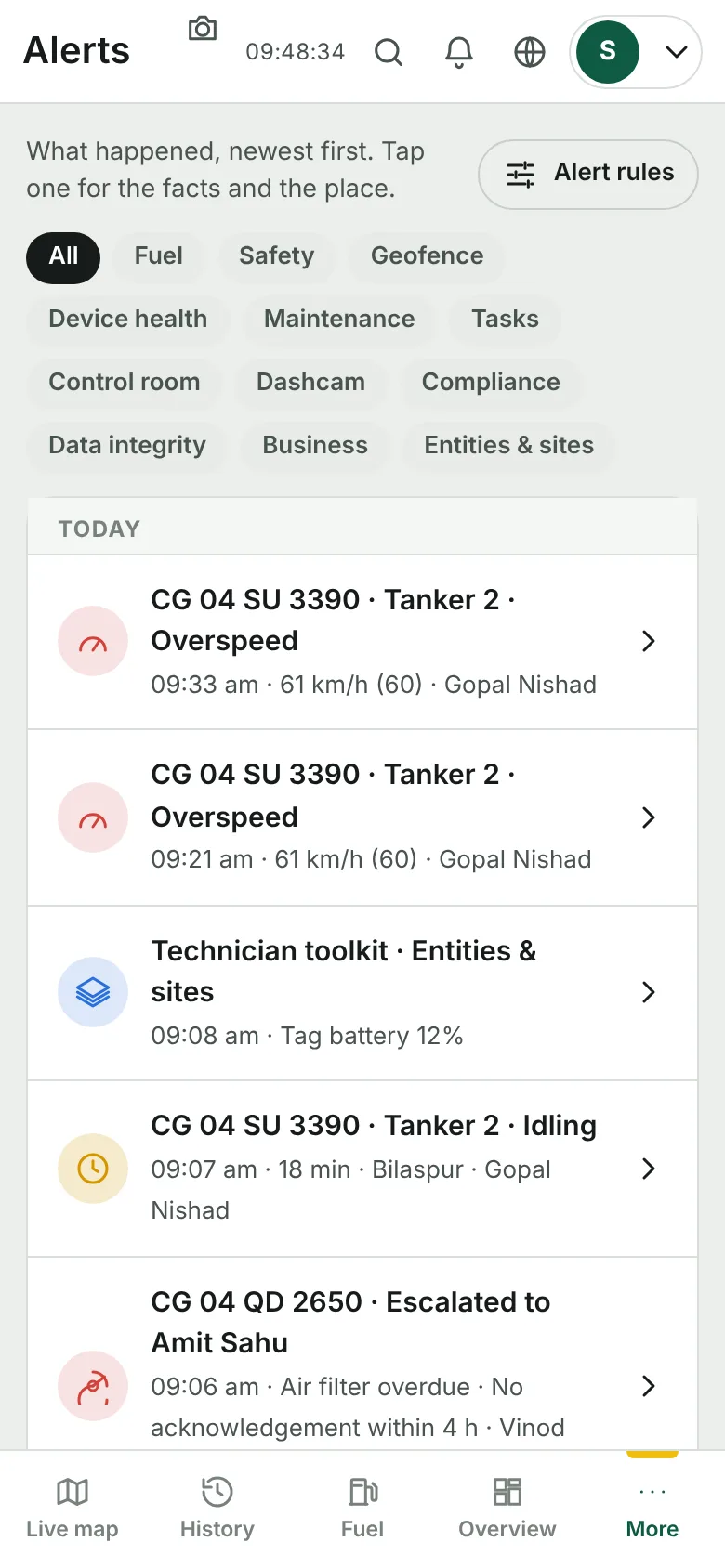
What happened, newest first. Tap one for the facts and the place.
How to
- The red number on the bell in the top bar counts the new alerts. Tap the bell to open the Alerts page.
- Use the chips (Fuel, Safety, Geofence, Device health, Maintenance …) to see one kind only.
- Tap an alert: you see what happened, the speed at that moment, the place on a small map and how long it lasted.
- Only the alerts switched on for a vehicle reach this page. To change which ones, see "Choose the alerts for each vehicle".