BPN-TRACK
Reports by email on a schedule
Get the reports you need in your inbox every day, week or month, without opening the app.
How to
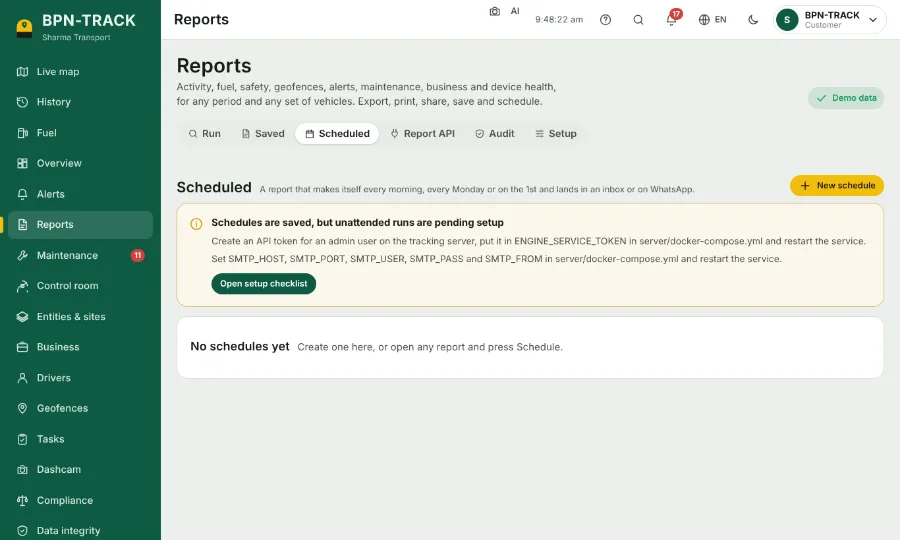
- Open Reports and the Scheduled tab.
- Add a schedule: choose the report, the vehicles, and when it runs: every morning, every Monday or on the 1st of the month.
- Type the email addresses or WhatsApp numbers that should receive it. The report arrives as an Excel file.
- Save. Your schedules are listed on the same tab; change or delete one there.