BPN-TRACK
App notifications and the app on your phone
Install the app and get your alerts on the phone, even when the app is closed.
How to
- On Android, install the app from the Play Store; on any phone or computer you can also add the web app from Settings, then Help, then Install the app.
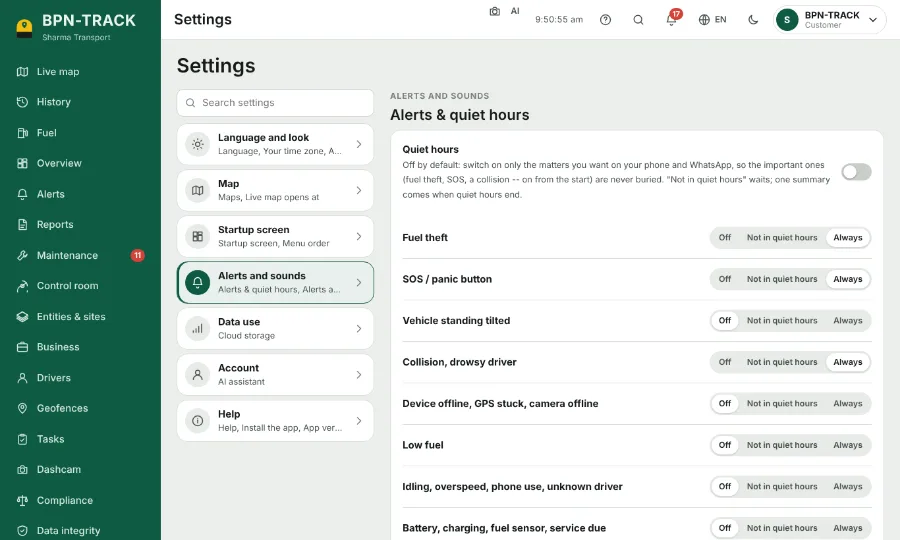
- Open Settings, then Alerts and sounds, and switch on App notifications on this device. Allow notifications when the phone asks.
- A notification opens exactly what it is about: the vehicle, the alert or the report.
- Which alerts ring the phone follows your alert switches and rules.