 BPN-TRACK
The Ask BPN button: move it, hide it, bring it back
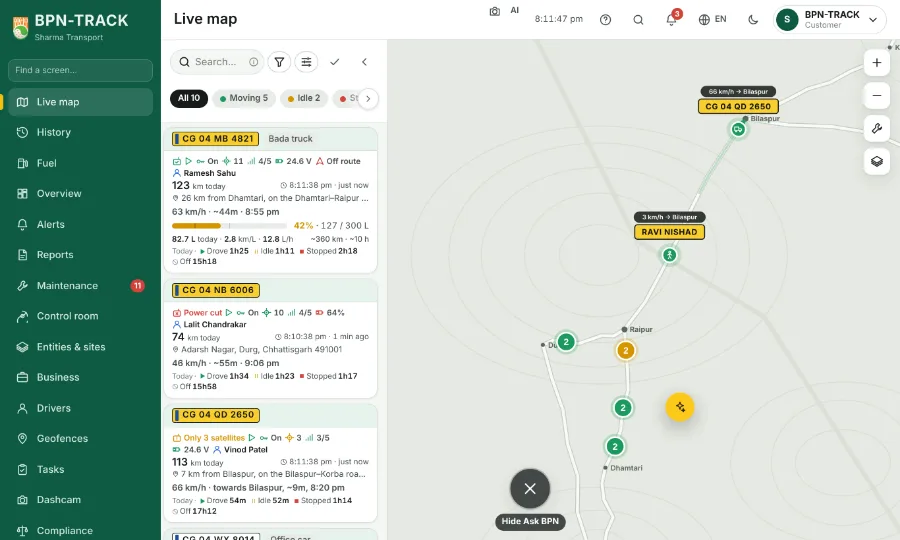
The round button at the corner opens Ask BPN. Put it where you like, or put it away.
How to
- Press and drag the button anywhere; let go and it settles at the nearest edge. A tap still opens Ask BPN.
- While you drag, a × appears at the bottom. Drop the button on it and choose Hide for today or Hide until I bring it back.
- To bring it back: tap the small ✦ at the right edge, type "Ask BPN" in the search at the top, or use the switch at the top of Settings. Right after hiding, the message at the bottom has Undo.
- The button never sits on a menu or a sheet: it slides out of the way and comes back.