 BPN-TRACK
Send a command to many vehicles at once
Tick vehicles on the Devices list or the Live map's list and send them one command together.
How to
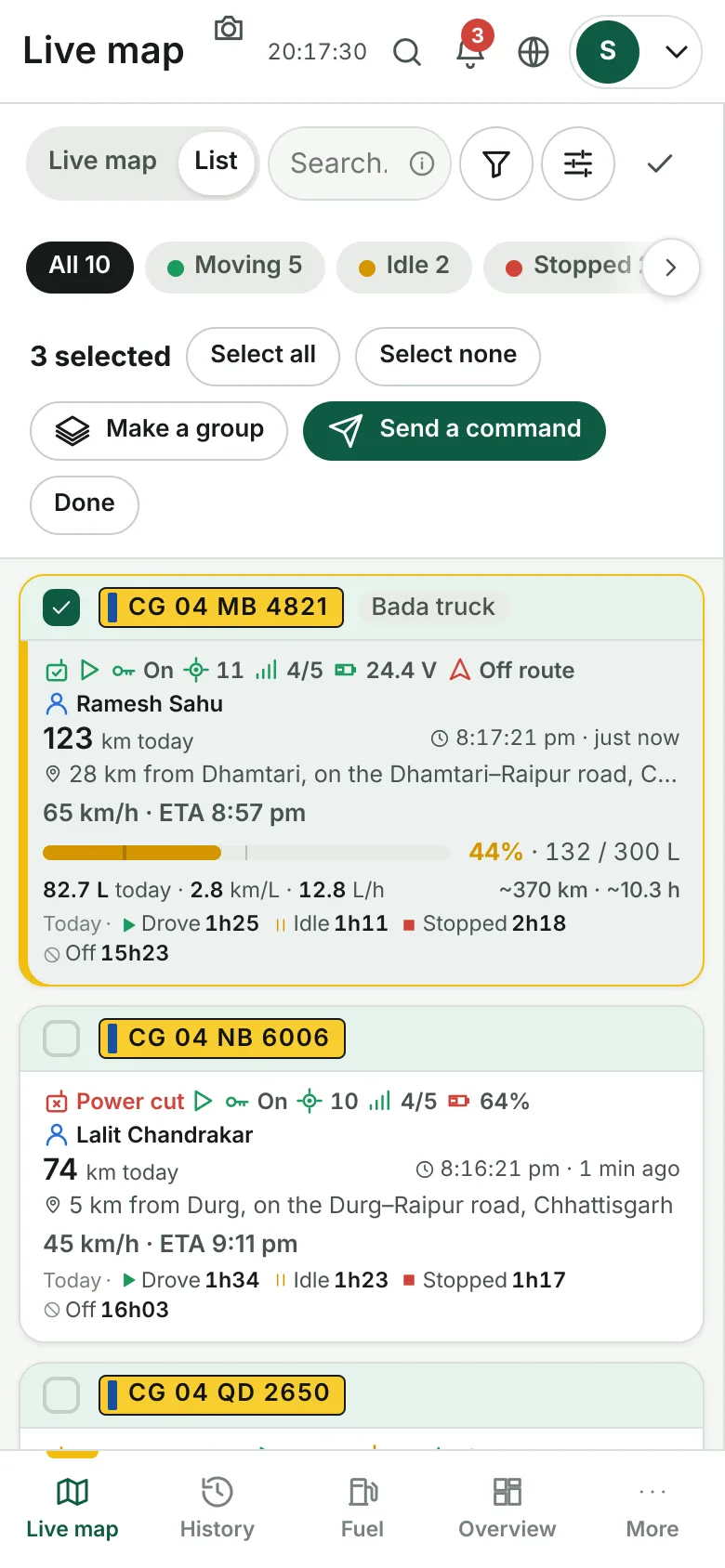
- On the Live map's list (on a phone: the List tab), tap the Select button in the search row. On the Devices screen, tick the vehicles in the list.
- Tap vehicles to tick them. Select all takes every vehicle the list shows now, so search first (for example a town or fuel<20%) and then Select all. Select none clears.
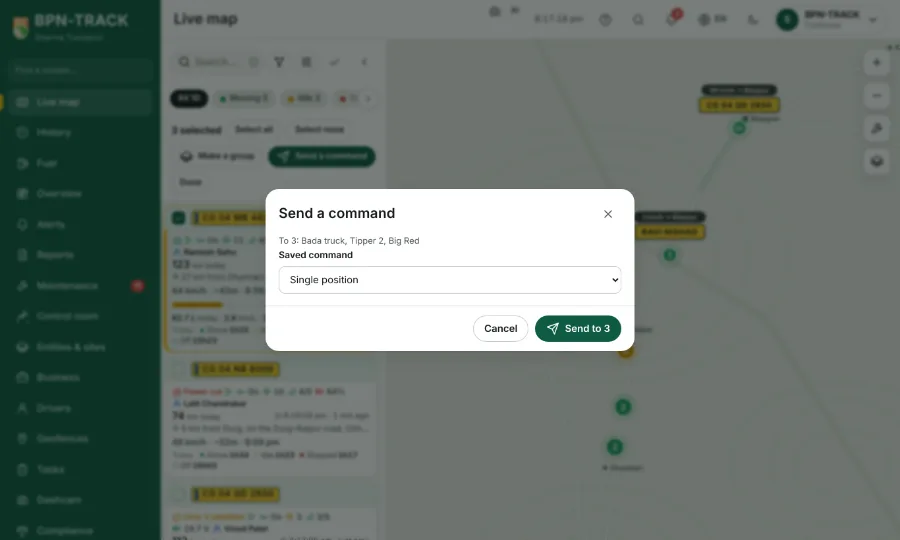
- Tap Send a command. Pick a command from the library or the built-in list, or type one where your login may.
- Tap Send to n. A command that can stop a vehicle or move the device asks you to type SEND and the number of vehicles first.
- A result row for each vehicle says Sent, Queued, SMS to send or why it was refused.
- Done (or the Select button again) leaves the select mode. More options opens the Commands screen.