BPN-TRACK
Search commands and Sort & filter
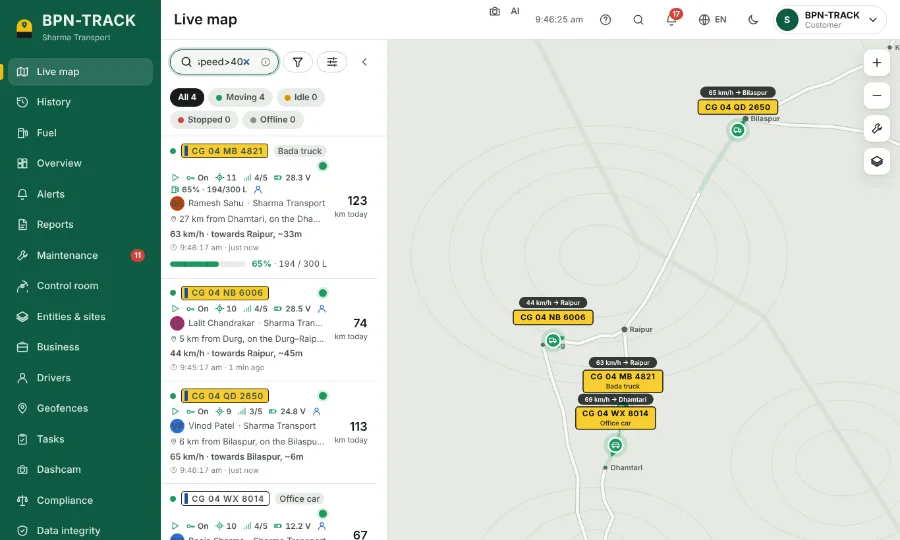
Type a number, a place or a command like fuel>50 in the Live map's search box.
How to
- Click the search box above the vehicle list.
- Type part of a number, a nickname, a driver, a town, an IMEI or a SIM number. The list and the map narrow as you type.
- Or type a command: fuel>50, fuel<20%, speed>40, stopped>2h, idle>30m, offline>1d, moving, parked.
- Put two commands with a space to combine them, for example: moving speed>60.
- The small i in the box shows examples from your own fleet.
- The sliders button next to it opens Sort & filter: order the list, add rules and save the view for next time.