BPN-TRACK
Fills and suspected loss
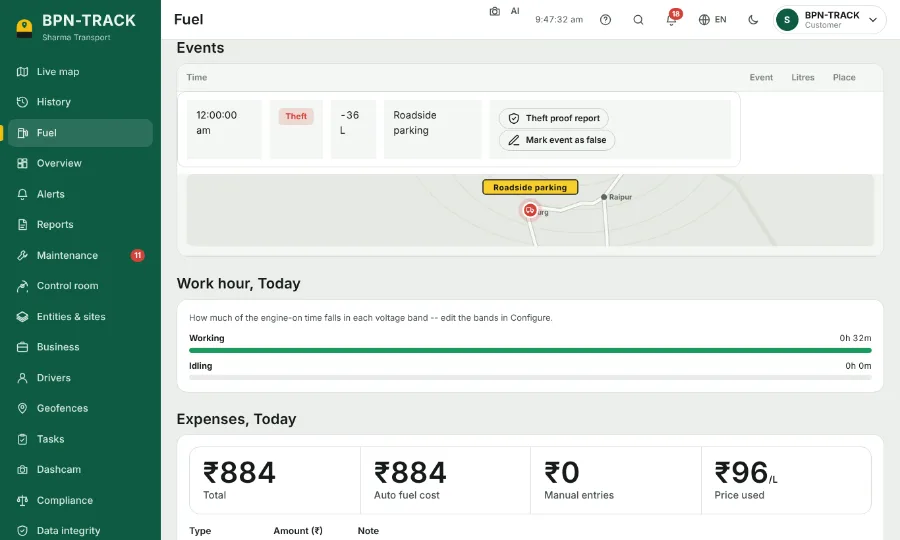
Every fill and every suspected loss is marked on the chart and listed with its time, place and litres.
How to
- On the Fuel screen, green marks on the chart are fills and red marks are suspected loss.
- Scroll down to the list of events: each row has the time, the place and the litres.
- Open an event to see it on the map with the readings around it; the proof can be copied or printed, and Street photos shows the spot from the road where pictures exist.
- If you know an event is not real (for example the tank was being serviced), use "Mark event as false". Totals and reports then leave it out.
- A marked event can be put back with Restore.