BPN-TRACK
Choose the dates and refresh
Look at any day or range, and fetch the newest readings with one tap.
How to
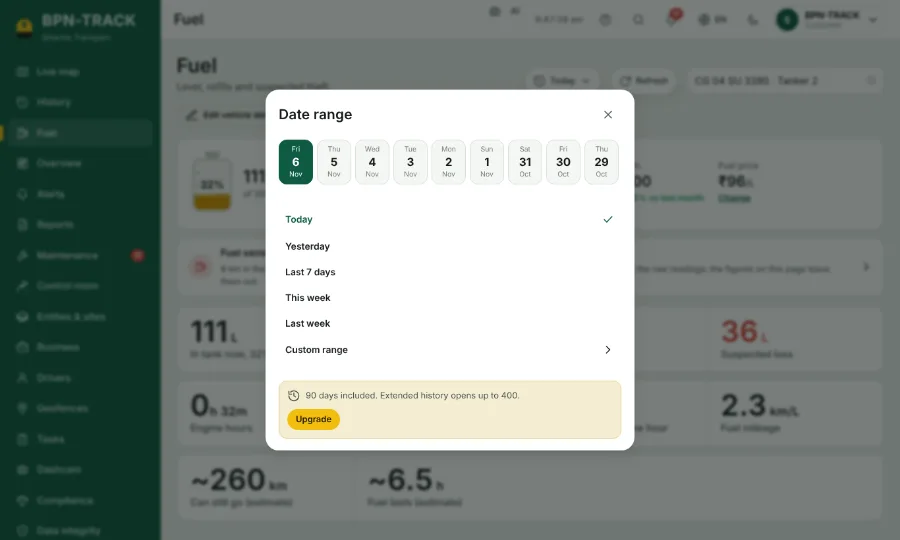
- On the Fuel screen, tap the date button (Today at first).
- Pick a day from the strip, a quick range, or Custom range with your own dates and times.
- The chart, the tiles and the events follow the dates you chose.
- Tap Refresh to bring in the readings that arrived in the last minutes. The page does not reload by itself while you read it.