BPN-TRACK
Read the fuel chart
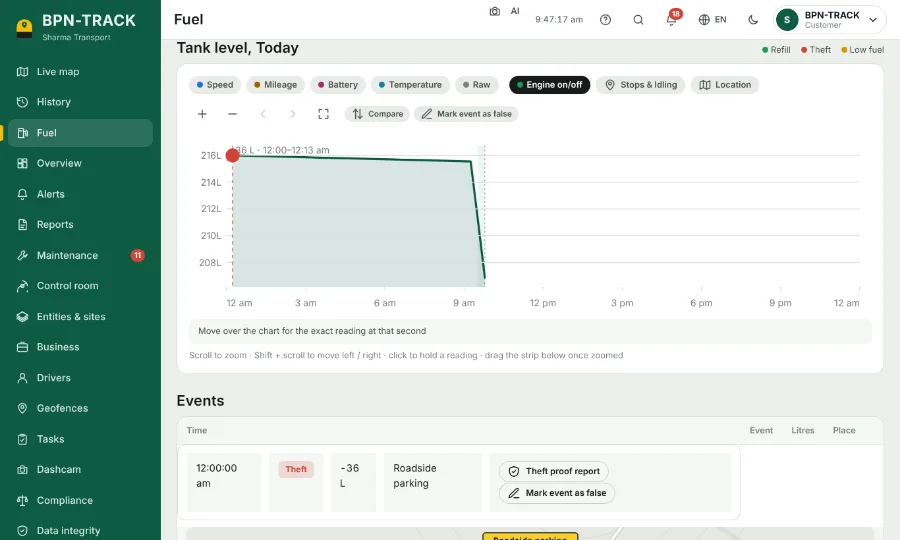
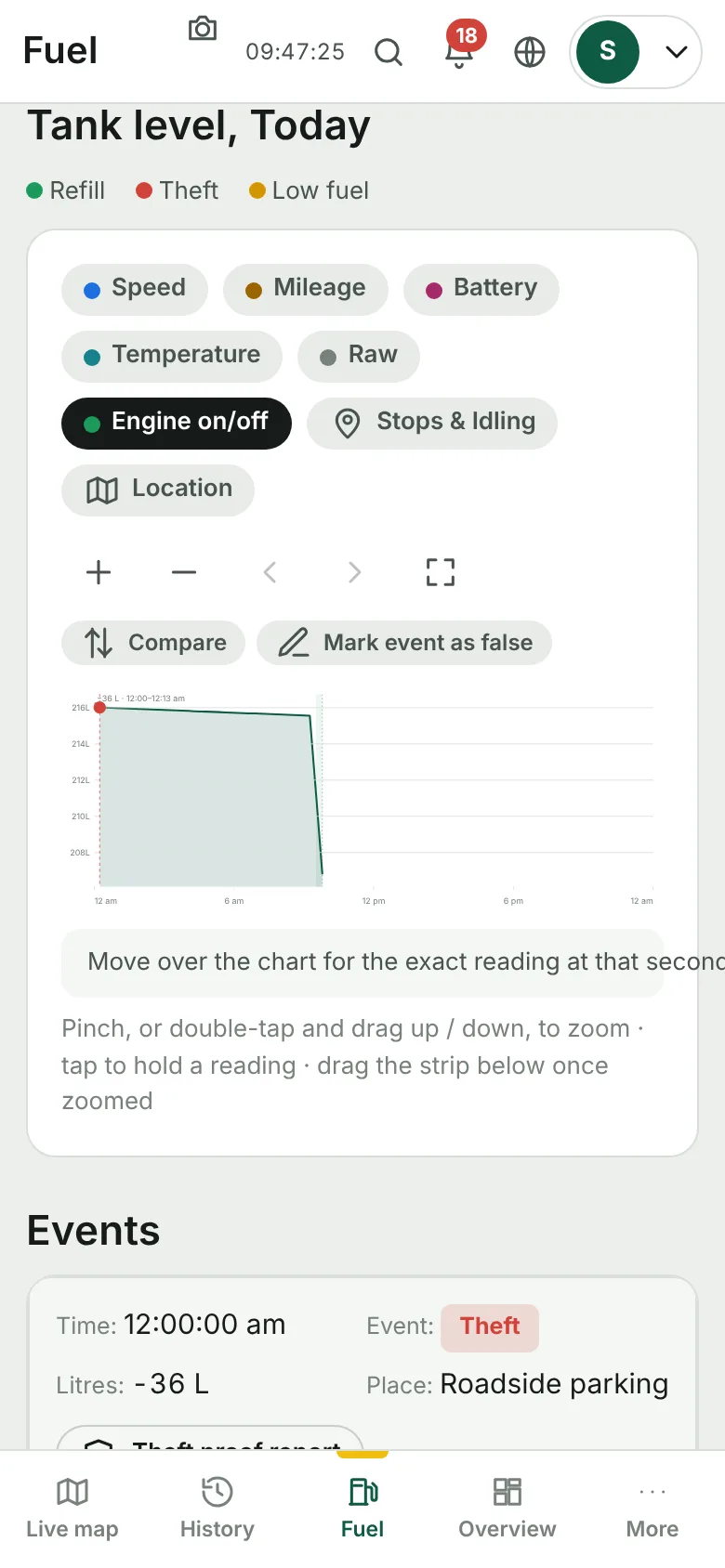
The tank level over the day, with fills, suspected loss, speed and engine time on one chart.
How to
- Open Fuel and pick the vehicle in the box at the top right.
- The top shows the litres in the tank now, today's use and cost, and this month's spend.
- The tiles show the litres used, refilled and lost, engine hours, distance, burn rate and mileage for the chosen dates.
- On the Tank level chart, move the pointer (or hold a finger) on the line to read the litres at any moment.
- Switch on Speed, Mileage, Battery, Temperature or Engine on/off to draw them on the same chart. Raw shows the sensor's own readings.
- Use + and − (or the mouse wheel) to zoom into a part of the day; the frame button shows the whole range again.