 BPN-TRACK
No fuel sensor: record your fills
A vehicle without a fuel sensor gets an estimated tank line from the fills you record, and its real mileage once two full tanks have measured it.
How to
- Open Fuel and pick the vehicle. Without a sensor the graph still shows its speed and engine.
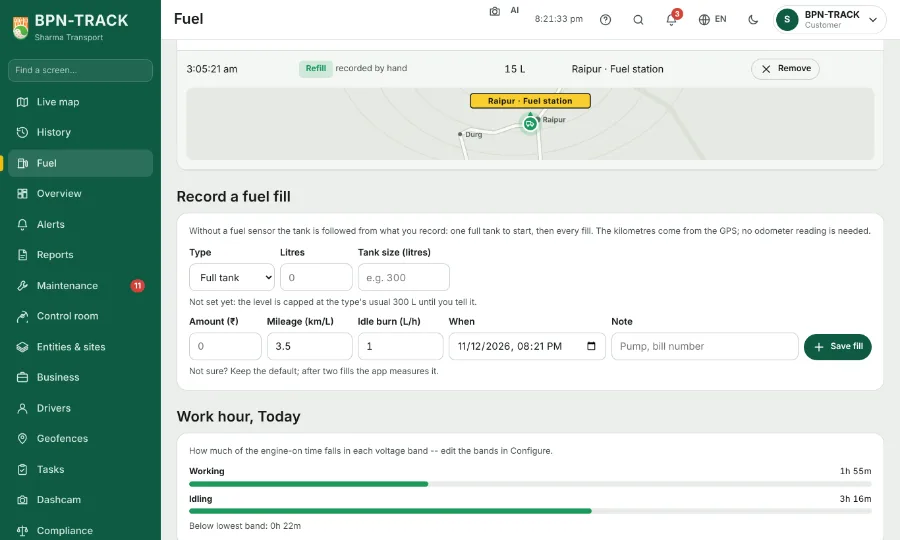
- Scroll to Record a fuel fill. Choose Full tank or Refill, type the litres (and the amount if you like), and set when the fill was made. No odometer reading is needed: the kilometres between fills come from the GPS.
- Until two full tanks let the app measure the real km per litre, the form also asks the vehicle's mileage and its idle burn (litres an hour standing with the engine on), with the usual figures for its type filled in. Not sure? Keep them.
- Tap Save fill. From the first full tank the graph draws an estimated fuel line that follows your fills, the kilometres and the idling hours, and the Fuel screen says which mileage it is using.
- Record every fill the same way. After two full tanks the app uses the mileage it measured from your fills.