 BPN-TRACK
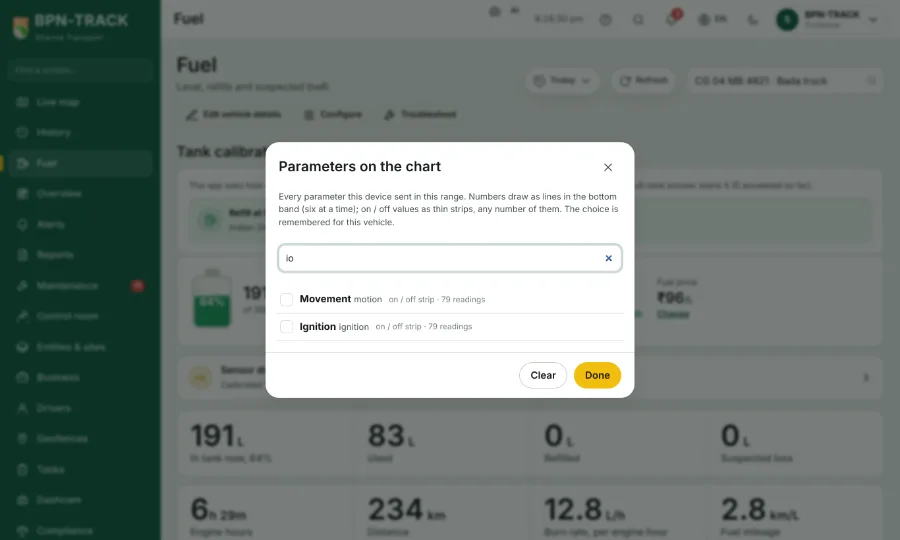
Parameters on the fuel chart, with a find box
Draw any reading the device sent, such as io270 or the battery, under the tank level, and find it by typing.
How to
- On the Fuel screen, tap Parameters on the chart. The sheet "Parameters on the chart" lists every reading the device sent in the chosen dates.
- Type in the find box at the top, for example 270: only the matching rows stay.
- Press Enter to tick the first row left, or tick the rows you want. The list keeps its place while you tick.
- Escape clears the box; with the box empty, Escape closes the sheet.
- Tap Done. Numbers draw as lines in the bottom band (six at a time), on / off values as thin strips. The choice is kept for this vehicle.