BPN-TRACK
Find your vehicles on the Live map
Every vehicle on the map and in the list, updated every few seconds.
How to
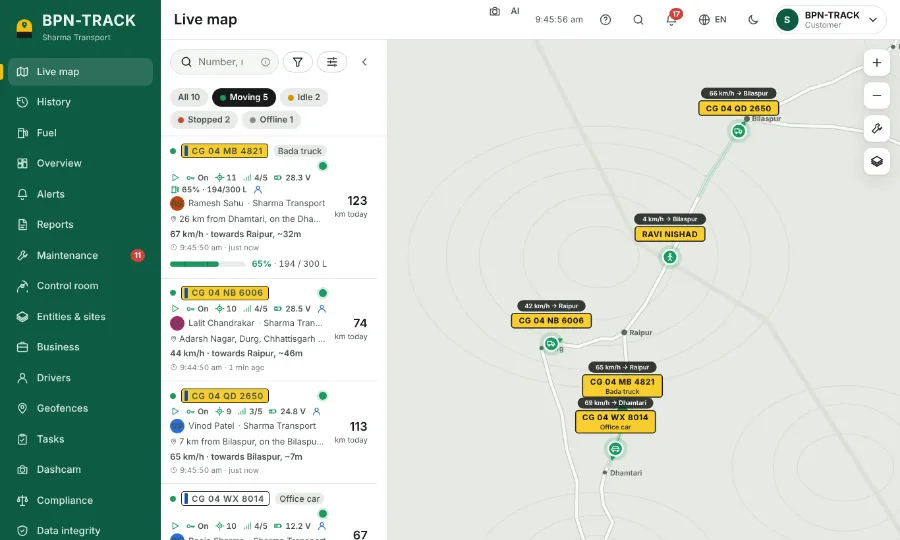
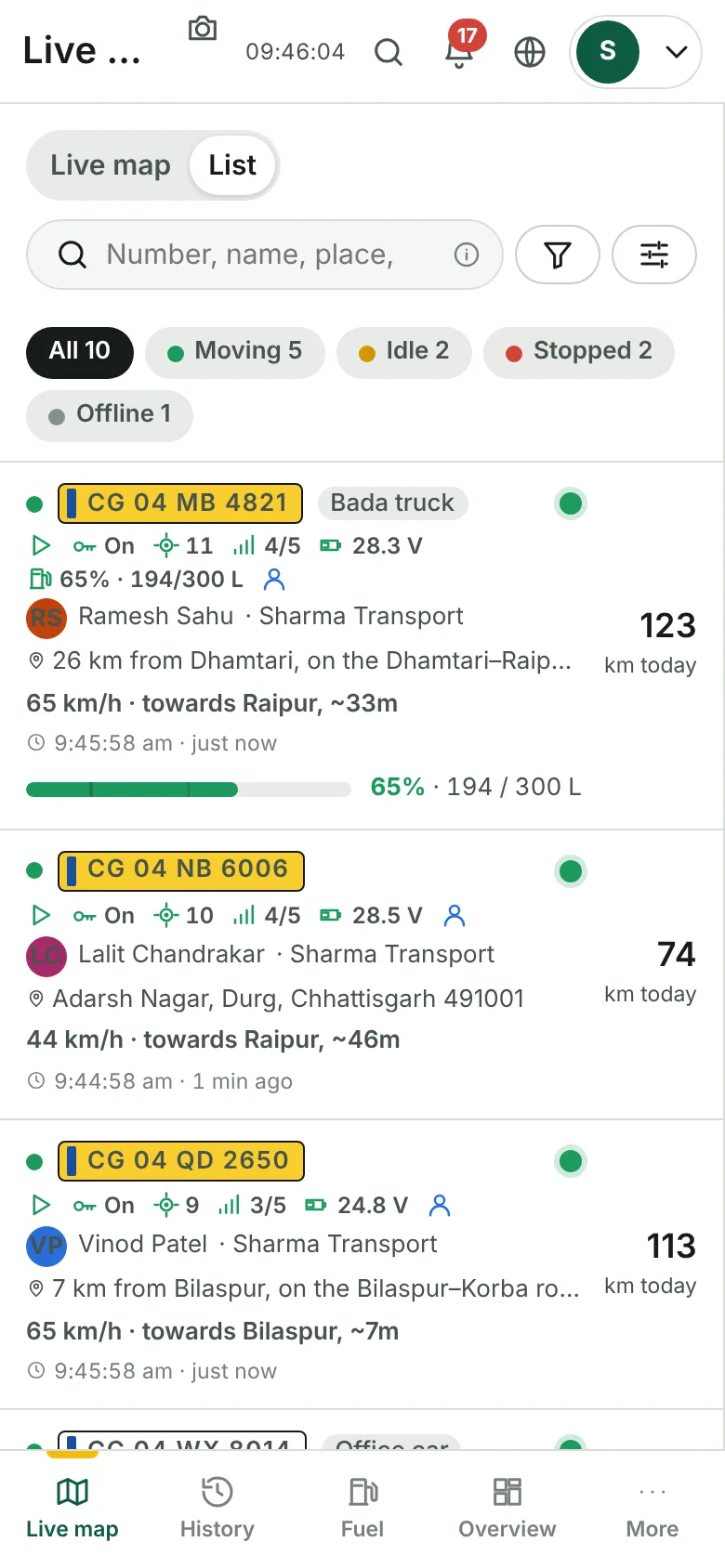
- Open Live map. The list on the left (on a phone: the List tab) shows each vehicle with its state, place, speed and today's kilometres.
- Use the chips All, Moving, Idle, Stopped and Offline to see one group only.
- Vehicles close together merge into a numbered bubble. Zoom in or tap the bubble to see them one by one.
- Tap a vehicle in the list or on the map: the map follows it and its panel opens.
- The arrow at the top of the list folds it away for a full-size map; tap it again to bring the list back.