BPN-TRACK
Pick a day or a date range
Today, yesterday, the last 7 days or any range you type.
How to
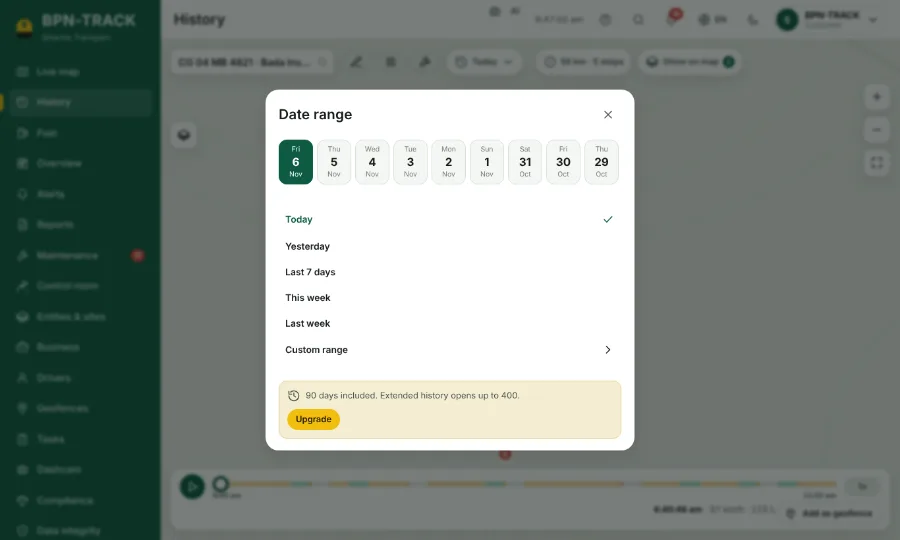
- On History, tap the date button (it says Today at first).
- Tap a day in the strip of recent days, or a quick range such as Yesterday or Last 7 days.
- For anything else choose Custom range, set the From and To date and time, and press Apply.
- The route, the stops and the summary follow the new dates at once.