BPN-TRACK
Replay a vehicle's day
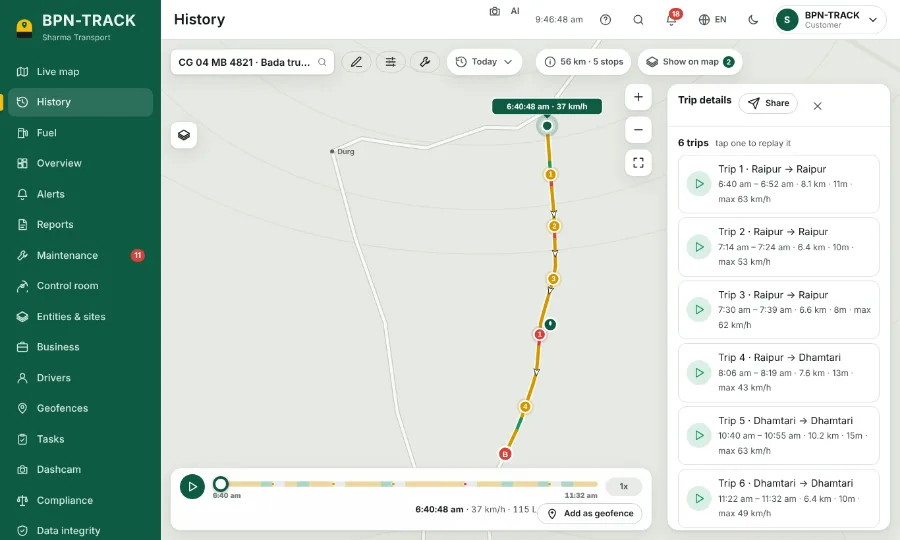
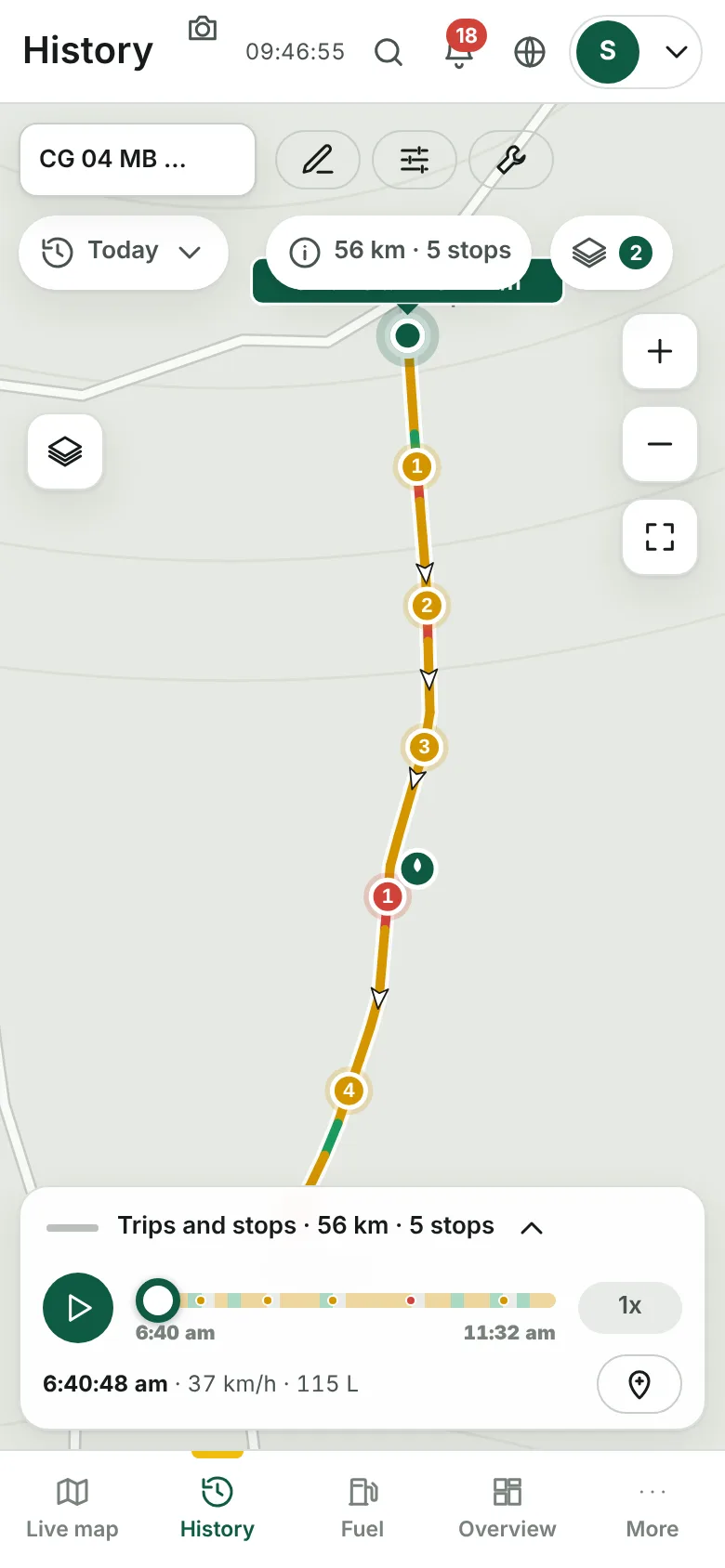
See where a vehicle went, where it stopped and how fast it drove, played back on the map.
How to
- Open History and pick the vehicle in the box at the top left.
- The route is drawn in colours by speed; numbered circles are the stops, A is the start and B the end.
- Press the play button at the bottom. The 1x button changes the speed of the replay.
- Drag the bar to jump to any moment; the time, speed and fuel at that moment show under it.
- The summary chip (for example "56 km · 5 stops") opens the trips and stops of the day. Tap a trip to play only that trip, or a stop to see it on the map.
- "Add as geofence" turns the spot under the replay into a geofence.