 BPN-TRACK
Zoom the replay bar, View all and trip focus
Look at a few minutes second by second, or keep the replay inside one trip.
How to
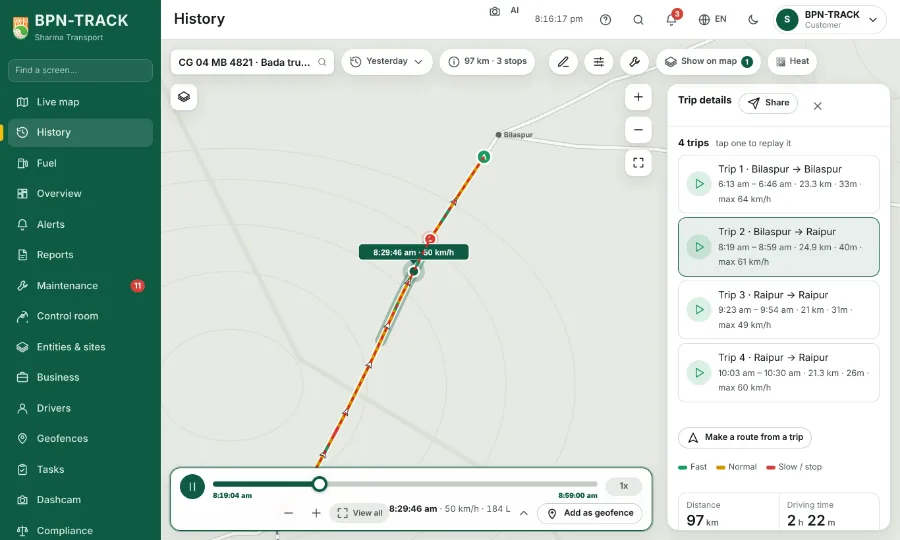
- On History, turn the mouse wheel over the replay bar, or use its + and − buttons; on a phone, pinch the bar.
- Zoomed in, the knob moves in tiny steps, so you can go through a short stretch moment by moment. Drag the bar to move along the day.
- The View all chip, or a double tap on the bar, shows the whole day again.
- Tap a trip in the summary chip's list: the bar becomes that trip, from its start to its end, and play stops at the trip's end.
- The trip stays in focus when you tap the map or elsewhere; View all, another trip, another day or another vehicle ends it.
- With the fuel graph open, the graph shows the same stretch as the bar.