BPN-TRACK
The vehicle panel
Everything about one vehicle: where it is, its driver, fuel, today's trips and one-tap actions.
How to
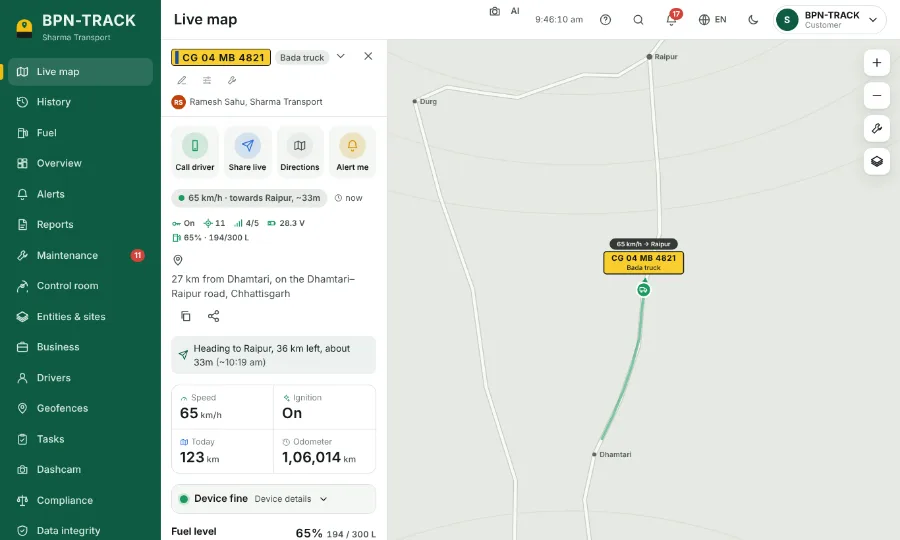
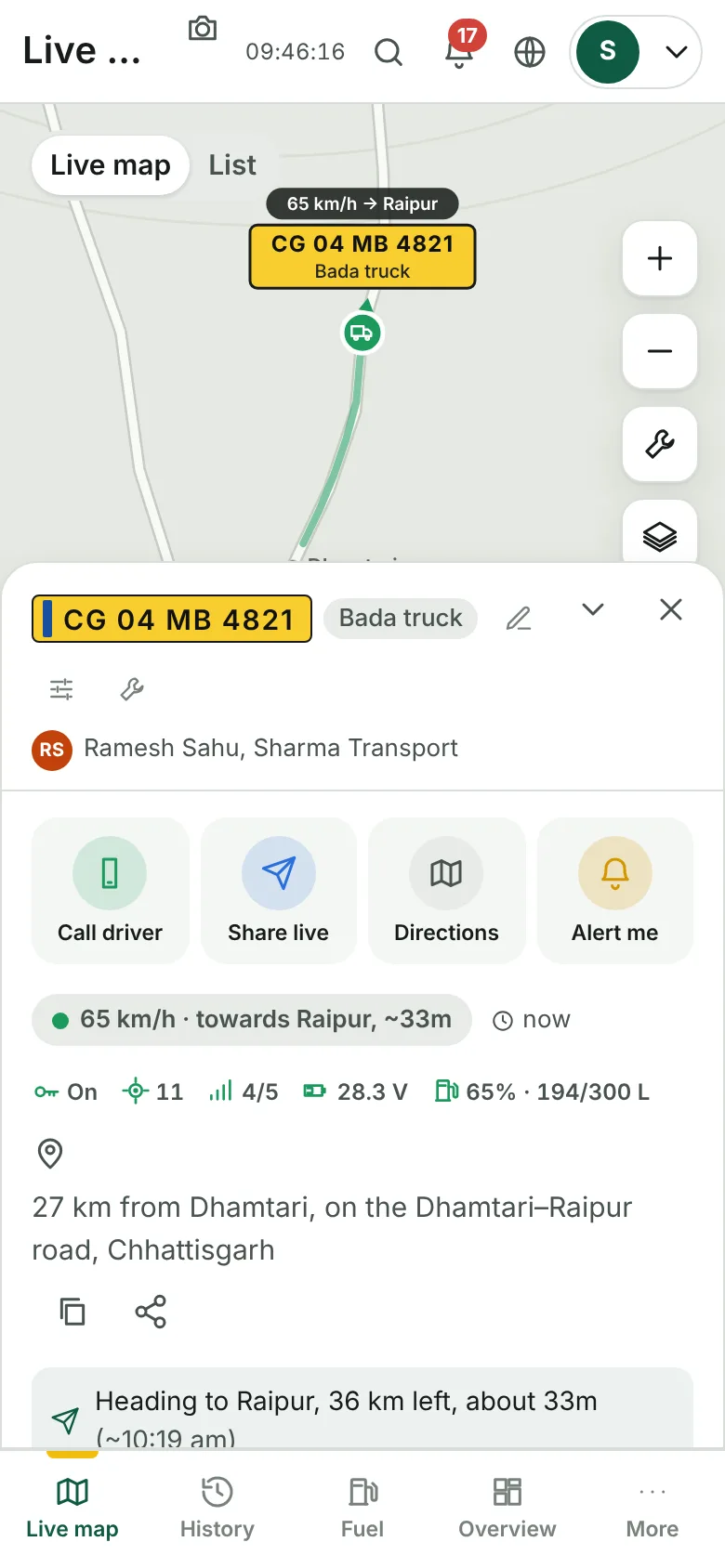
- Tap a vehicle on the Live map. Its panel opens beside the map (on a phone, from the bottom).
- The top row has Call driver, Share live, Directions and Alert me.
- Under the address: the village, the nearest big town and the street. The two small buttons copy the address or share it.
- Further down: speed, ignition, today's kilometres, the odometer, the fuel level and today's timeline of trips and stops.
- The down arrow in the panel's header shrinks it to a slim bar so you get the map back; the cross closes it.
- The bar keeps Fuel and History buttons for the same vehicle.