BPN-TRACK
Share a vehicle's live location
Send a link: anyone can follow the vehicle on a map, without an app or a login, until the link expires.
How to
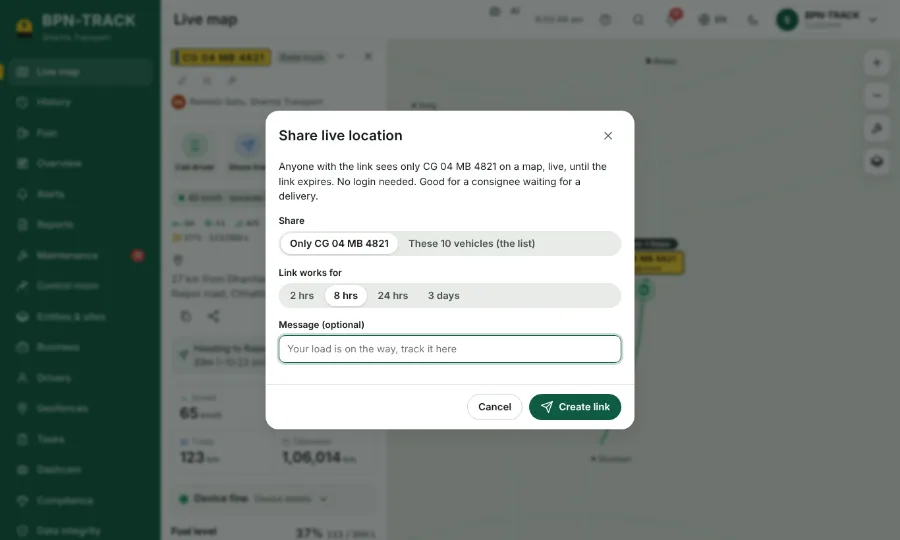
- Open the vehicle on the Live map and tap Share live.
- Choose how long the link works, and add a message if you like ("Your load is on the way").
- Tap Create link, then send it by WhatsApp or copy it.
- The person sees the vehicle moving, its speed and how long it has been in its state.
- For a finished trip, open its details on History and tap Share.