BPN-TRACK
Tank size and calibration table
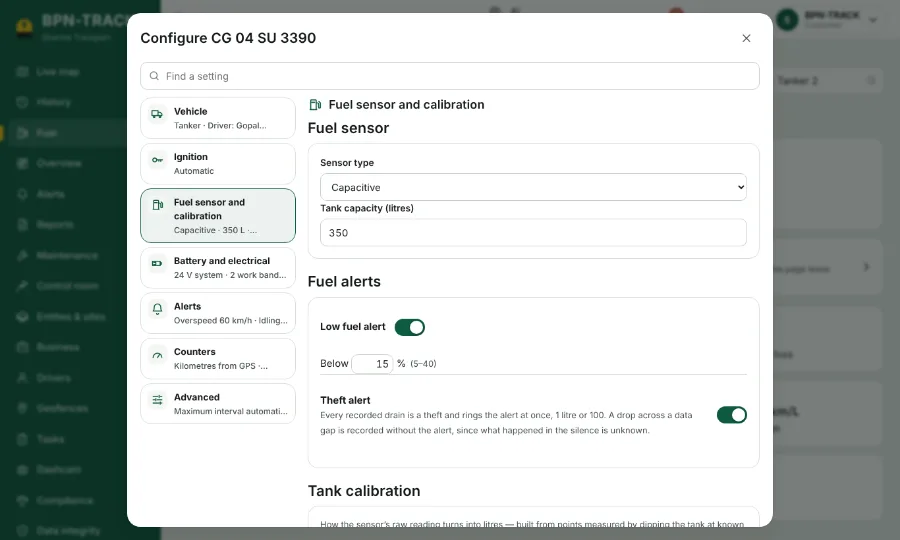
Tell the app how big the tank is and how the sensor's reading turns into litres.
How to
- Open the vehicle on the Fuel screen and tap Configure, then the Fuel sensor group.
- Enter the tank size in litres and choose the sensor type.
- Under Tank calibration, type the rows (sensor reading and litres) or import them from a CSV or Excel file.
- The preview draws the table so you can check that the line rises smoothly.
- Save. The Fuel screen, the Live map and the reports use the new table from then on.