BPN-TRACK
Geofence types and the Overview tile
Sort your areas into depots, customer sites, no-go zones, tolls and fuel pumps, and see who is inside each.
How to
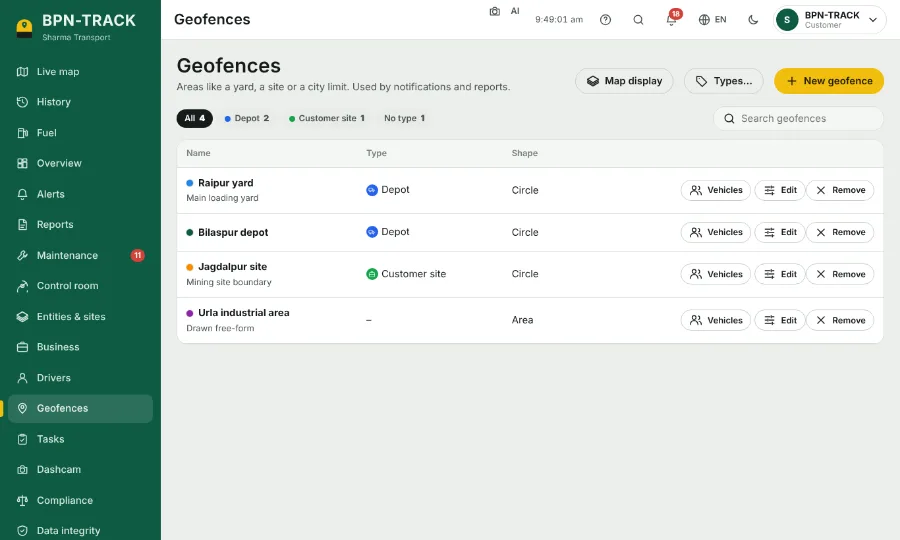
- On Geofences, open a geofence and pick its type. Tap Types… to add your own, with a colour and an icon.
- The chips at the top of the list filter by type; the search box finds a geofence by name.
- On Overview, the Geofences tile shows how many vehicles are inside each geofence or type now, and today's entries and exits.
- Tap a row of the tile to see those vehicles on the Live map. In the map's search, geo:yard does the same.