 BPN-TRACK
Find a screen in the menu
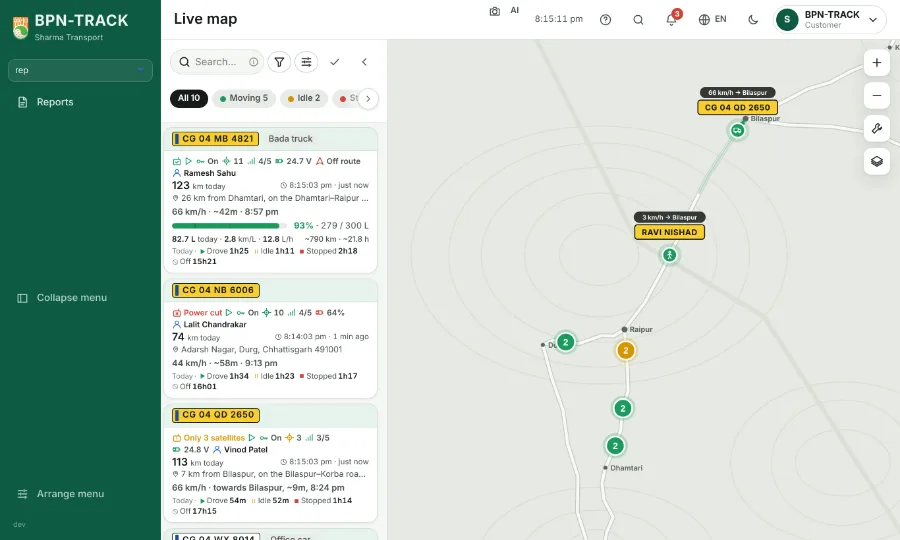
A find box at the top of the menu, so you do not read the whole list to reach Devices or Reports.
How to
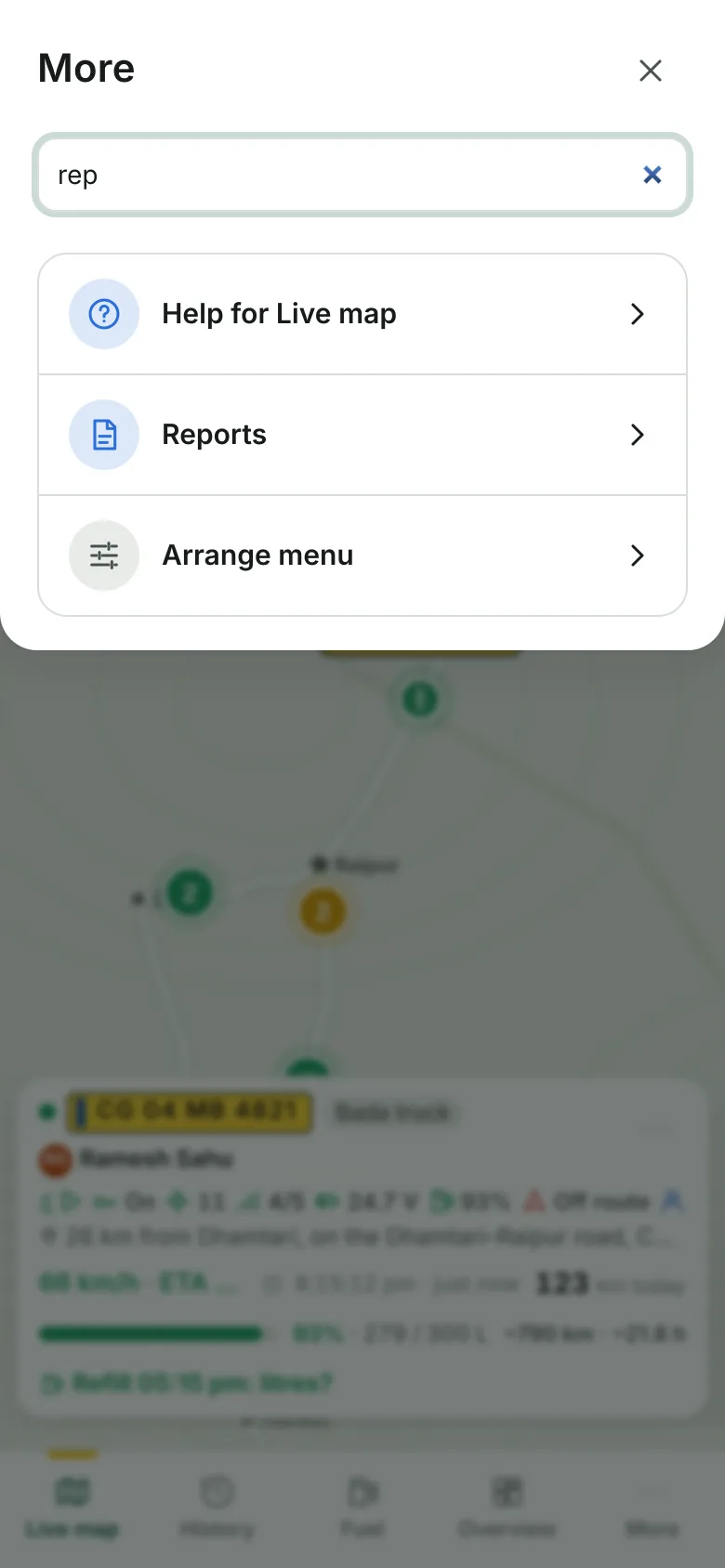
- On a computer the box is at the top of the side menu, under your name. On a phone tap More: the box is at the top of the sheet.
- Type a few letters of the screen, for example "rep" for Reports. The screens that do not match hide at once.
- The name works in English and in Hindi, whichever language the app shows.
- Press Enter to open the first screen left, or tap the one you want.
- Escape clears the box and the whole menu comes back.