 BPN-TRACK
What's new: the newest features, shown to you
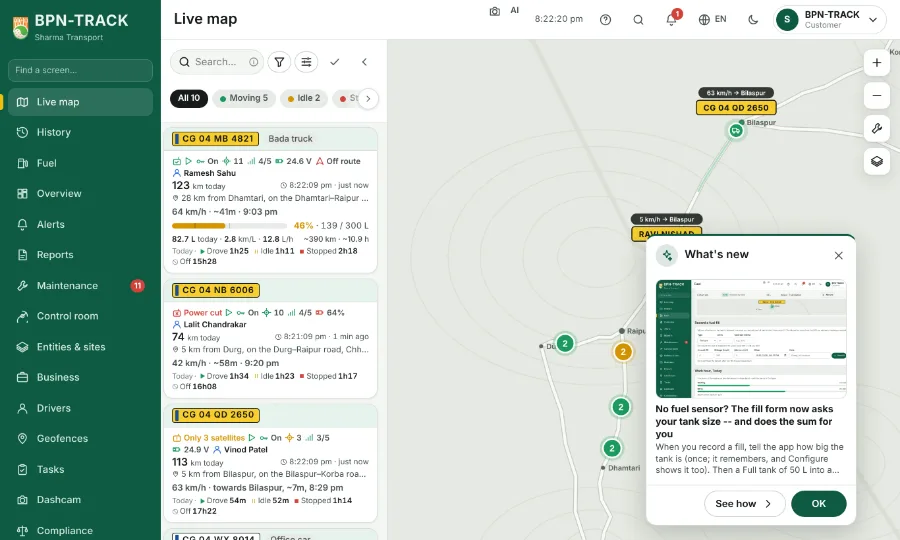
After an update the app shows what is new once, with a picture each, and keeps every month's list here.
How to
- After an update, a small What's new card shows the newest things once, each with a picture.
- Tap an item, or See how, and its help opens at the step that explains it, marked so you find it at once. OK or the × closes the card.
- For a week the Overview keeps a thin "New this week" line; tap it to see the list again.
- Every edition is under Help & guide, What's new, month by month; each item's Learn how opens its help the same way. The New mark in the menu stays until you have looked.