 BPN-TRACK
Geofence reports: by site, by vehicle, and the trips between two sites
Who came to a site and for how long; a vehicle's every visit; and how many round trips ran between a mine and a crusher -- with the breakup a tap away.
How to
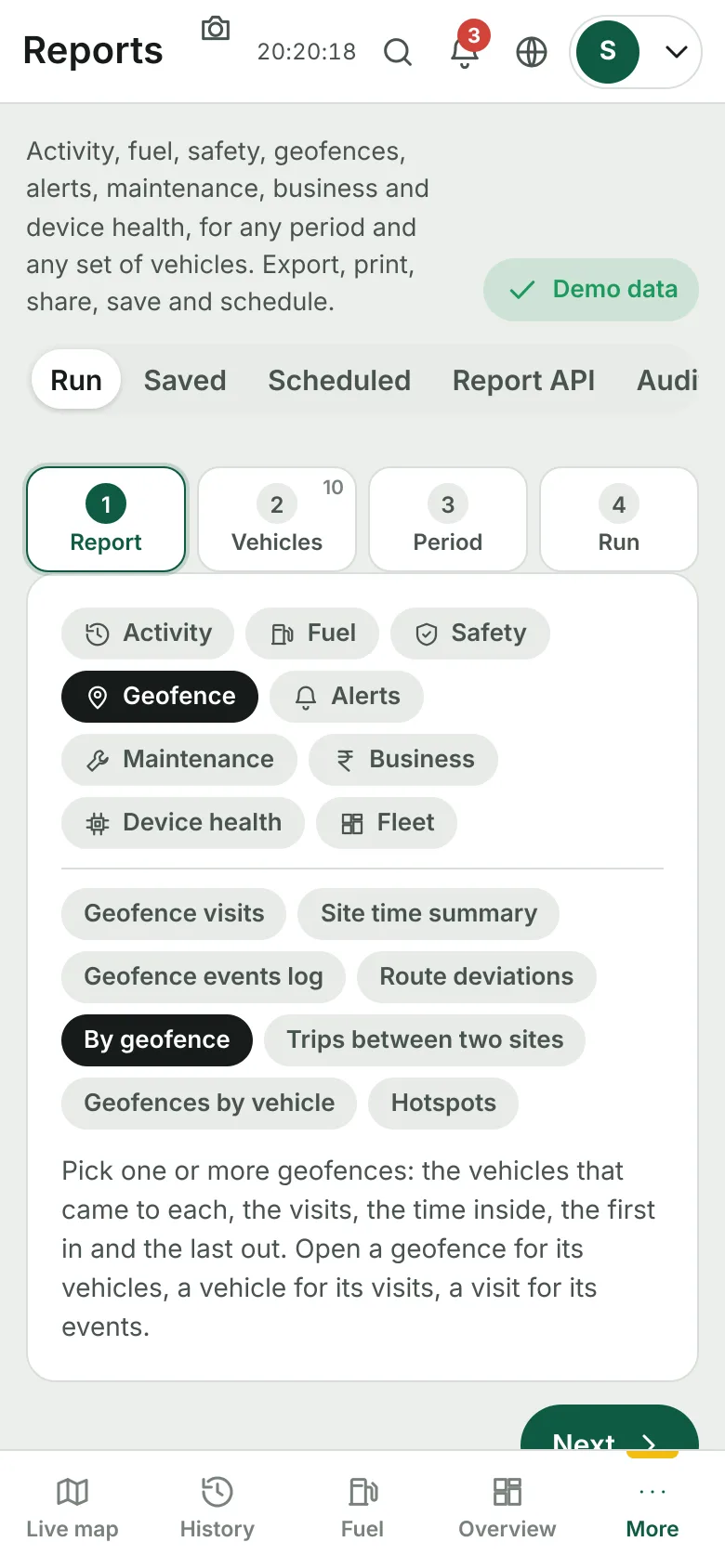
- Open Reports, the Geofence group, and pick By geofence, Geofences by vehicle, or Trips between two sites.
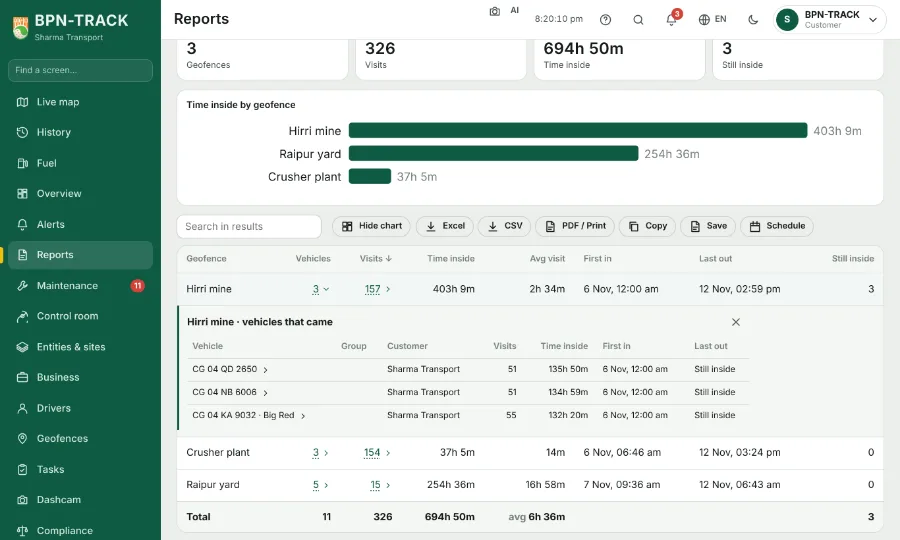
- By geofence: choose one or more sites (or all); each row shows the vehicles that came, visits, time inside, first in and last out. Open a site for its vehicles, a vehicle for its visits, a visit for its events.
- Trips between two sites: pick site A and site B. A trip is A to B and back to A; half trips are counted too. Open a vehicle for its days, a day for each trip's times and the time at B.
- Group by Group or Customer for the totals you need; Export asks whether you want the totals, what you opened, or the full breakup.